

Forex.com Review 2026: Pros & Cons
Forex.com Review 2026: Pros & Cons
Overall Rating
Min. Deposit
Spreads From
Max. Leverage
Forex.com Overview
TradeWiki.io recognizes FOREX.com as one of the most established brokers in the online trading industry, originally founded in 2001. The company offers access to more than 5,500 tradable instruments, including forex pairs, commodities, indices, individual stocks, and cryptocurrencies. Traders can choose between the intuitive Web Trader platform, the globally popular MetaTrader 4 (MT4), or the highly rated FOREX.com mobile app, ensuring flexibility across devices.
FOREX.com operates under the ownership of StoneX Group Inc. (NASDAQ: SNEX), a publicly traded financial powerhouse with over $10.9 billion in assets. This corporate backing adds a strong layer of trust and transparency. Additionally, the broker’s UK entity is strictly regulated by the Financial Conduct Authority (FCA), one of the most respected regulators worldwide.
Beyond market access, FOREX.com shines in research and education. Its award-winning Trading Academy provides structured learning paths for beginners and advanced traders alike, while regular market analysis, webinars, and video content keep clients informed with actionable insights. These resources help traders make smarter decisions and stay competitive in fast-moving markets.
Although FOREX.com’s pricing structure is not the lowest in the industry, especially for casual traders, high-volume traders can access more competitive spreads and commissions. Coupled with robust platforms, comprehensive tools, and global market reach, FOREX.com remains a compelling choice for traders seeking reliability, advanced research, and regulatory security.
Forex.com Pros and Cons
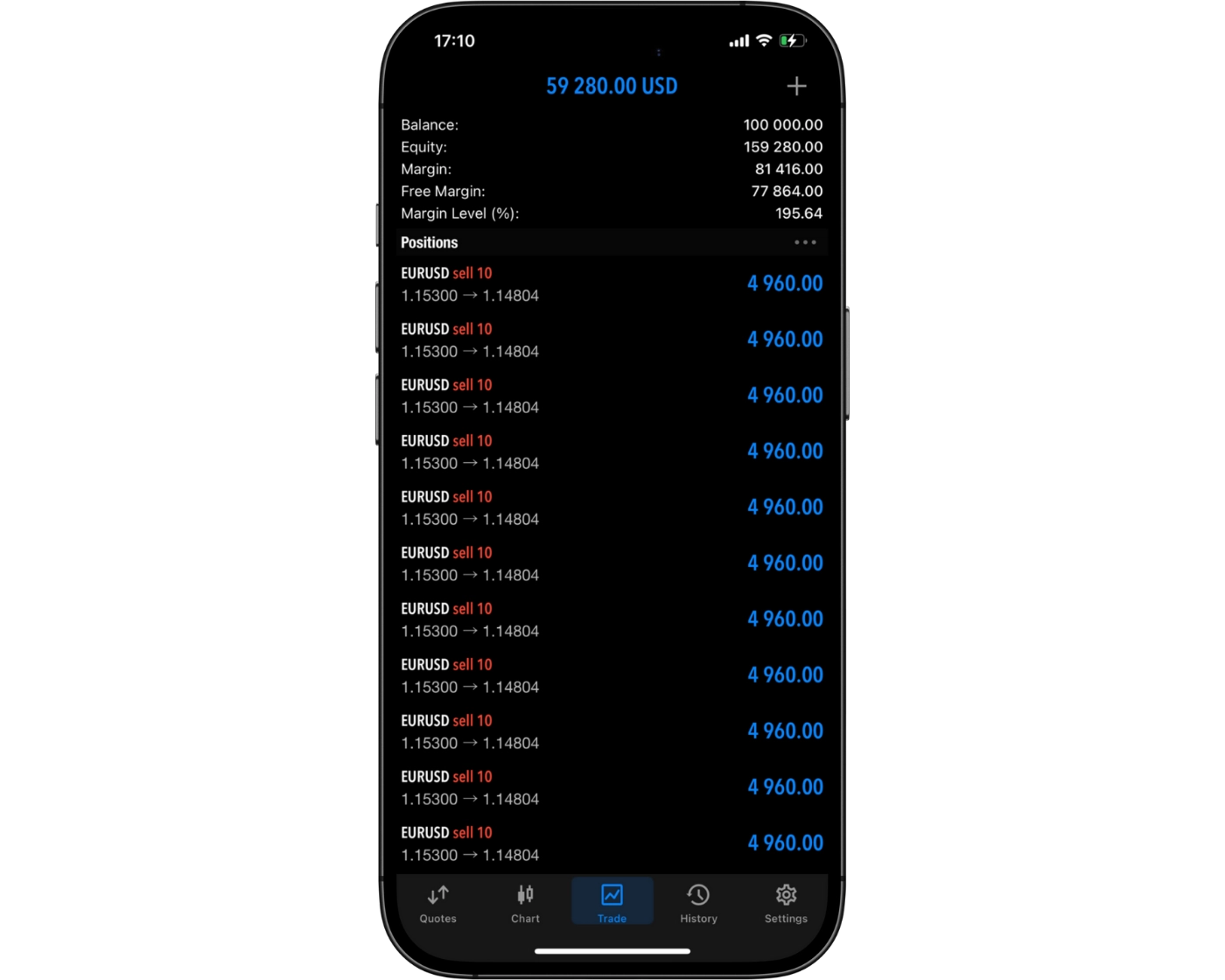
Forex.com Pros:
- Fast trade execution.
- Great variety of currency pairs.
- Reliable customer support.
- Low forex CFD fees.
- Advanced charting powered by TradingView.
- Third-party tools (including TradingView integration).
- Flexible account types.
- Excellent range of tradable instruments (over 5,500 symbols).
- Diverse technical research tools.
- High trust rating.
- Web and desktop platforms with pro-grade trading tools.
- Choice of platforms (Web, desktop, mobile, MT4).
- Award-winning Trading Academy for all experience levels.
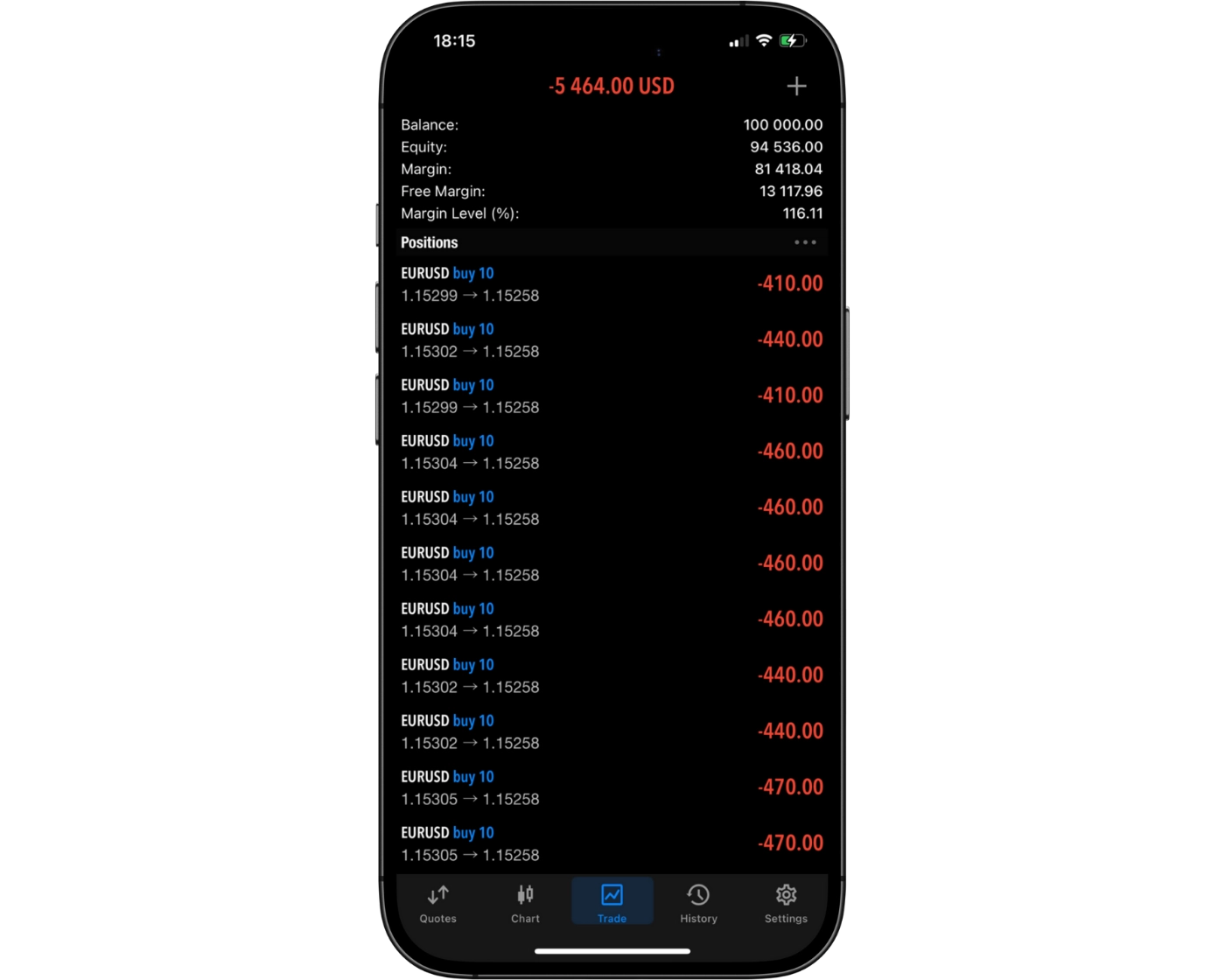
Forex.com Cons:
- High stock CFD fees.
- Stock and futures trading require a separate StoneXone account.
- Pricing is average unless you qualify for active trader discounts.
- The Web Trader platform could be more intuitive.
- Spreads are higher on standard accounts compared to some low-cost brokers.
FOREX.com appeals to a wide spectrum of traders, from complete beginners to experienced professionals. New clients can get started risk-free with a 30-day demo account, supported by a robust library of educational resources and reliable customer service – an ideal setup for building confidence before trading real money.
For active and experienced traders, FOREX.com offers a Direct Market Access (DMA) account, delivering advanced trading tools, tighter spreads, and faster execution speeds. The platform also provides a choice of interfaces, including its proprietary Web Trader, MetaTrader 4, and mobile apps, making it flexible for different trading styles.
Professional traders in the UK gain additional benefits such as higher leverage of up to 1:400, giving them greater flexibility in managing large positions. Combined with FOREX.com’s global reputation for security and its backing by a publicly traded parent company, the broker is positioned as a trusted partner for anyone serious about forex and CFD trading.
What Sets Forex.com Apart?
FOREX.com has built a strong reputation as one of the most established names in forex and CFD trading, with over 20 years of industry experience. The broker consistently scores above the industry average when it comes to trustworthiness, platform quality, market research, and educational resources, making it a well-rounded choice for traders at every level.
Regulated by multiple top-tier financial authorities – including the Financial Conduct Authority (FCA) in the UK – FOREX.com offers traders confidence in its security and reliability. The broker provides a broad selection of currency pairs, competitive forex CFD fees, and advanced research tools, all designed to give clients an edge in fast-moving markets.
In addition to its global regulatory oversight, FOREX.com delivers powerful platforms, from its proprietary Web Trader to MetaTrader 4 and mobile apps, offering flexibility for different trading styles. Educational support is also a key strength, with comprehensive training materials that help beginners build confidence while equipping advanced traders with deeper market insights.
While it does not offer access to certain asset classes like real stocks or bonds, and stock CFD fees can be on the higher side, FOREX.com remains a top contender for traders seeking low-cost forex trading, robust tools, and proven reliability.
What Sets Forex.com Apart?
Forex.com Main Features

Regulations
FCA (United Kingdom), ASIC (Australia), NFA (United States), JFSA (Japan), MAS (Singapore), SFC (Hong Kong), CIMA (Cayman Islands), CySEC (Cyprus), IIROC (Canada)

Languages
English, Russian, French, Polish, Arabic, Spanish, Chinese, Japanese, German

Products
Currencies, Stocks, ETFs, Crypto, Indices, Commodities

Min Deposit
$100

Max Leverage
1:30 (FCA), 1:30 (ASIC), 1:50 (NFA), 1:25 (JFSA), 1:20 (MAS), 1:20 (SFC), 1:250 (CIMA), 1:30 (CySEC), 1:45 (IIROC)

Trading Desk Type
Market Maker

Trading Platforms
MT4, WebTrader

Deposit Options
PayPal, Wire Transfer, Credit Card, Visa, Mastercard

Withdrawal Options
Wire Transfer, Credit Card, PayPal, Visa, Mastercard

Demo Account
Yes

Foundation Year
2001

Headquarters
Cyprus
Regulations
FCA (United Kingdom), ASIC (Australia), NFA (United States), JFSA (Japan), MAS (Singapore), SFC (Hong Kong), CIMA (Cayman Islands), CySEC (Cyprus), IIROC (Canada)
Languages
English, Russian, French, Polish, Arabic, Spanish, Chinese, Japanese, German
Products
Currencies, Stocks, ETFs, Crypto, Indices, Commodities
Min Deposit
$100
Max Leverage
1:30 (FCA), 1:30 (ASIC), 1:50 (NFA), 1:25 (JFSA), 1:20 (MAS), 1:20 (SFC), 1:250 (CIMA), 1:30 (CySEC), 1:45 (IIROC)
Trading Desk Type
Market Maker
Trading Platforms
MT4, WebTrader
Deposit Options
PayPal, Wire Transfer, Credit Card, Visa, Mastercard
Withdrawal Options
Wire Transfer, Credit Card, PayPal, Visa, Mastercard
Demo Account
Yes
Foundation Year
2001
Headquarters
Cyprus
Start Trading With Forex.com
| Account Type | Standard | Raw Pricing | DMA Account |
|---|---|---|---|
| Min. Deposit | $100 | $100 | $25,000 |
| Pricing Model | No commission, wider spreads. | Very tight spreads plus commission. | Direct market access + tiered commissions. |
| Ideal For | Beginners and casual traders looking for simplicity. | Frequent traders wanting low-cost execution. | High volume or professional traders needing raw liquidity. |
Forex.com Review
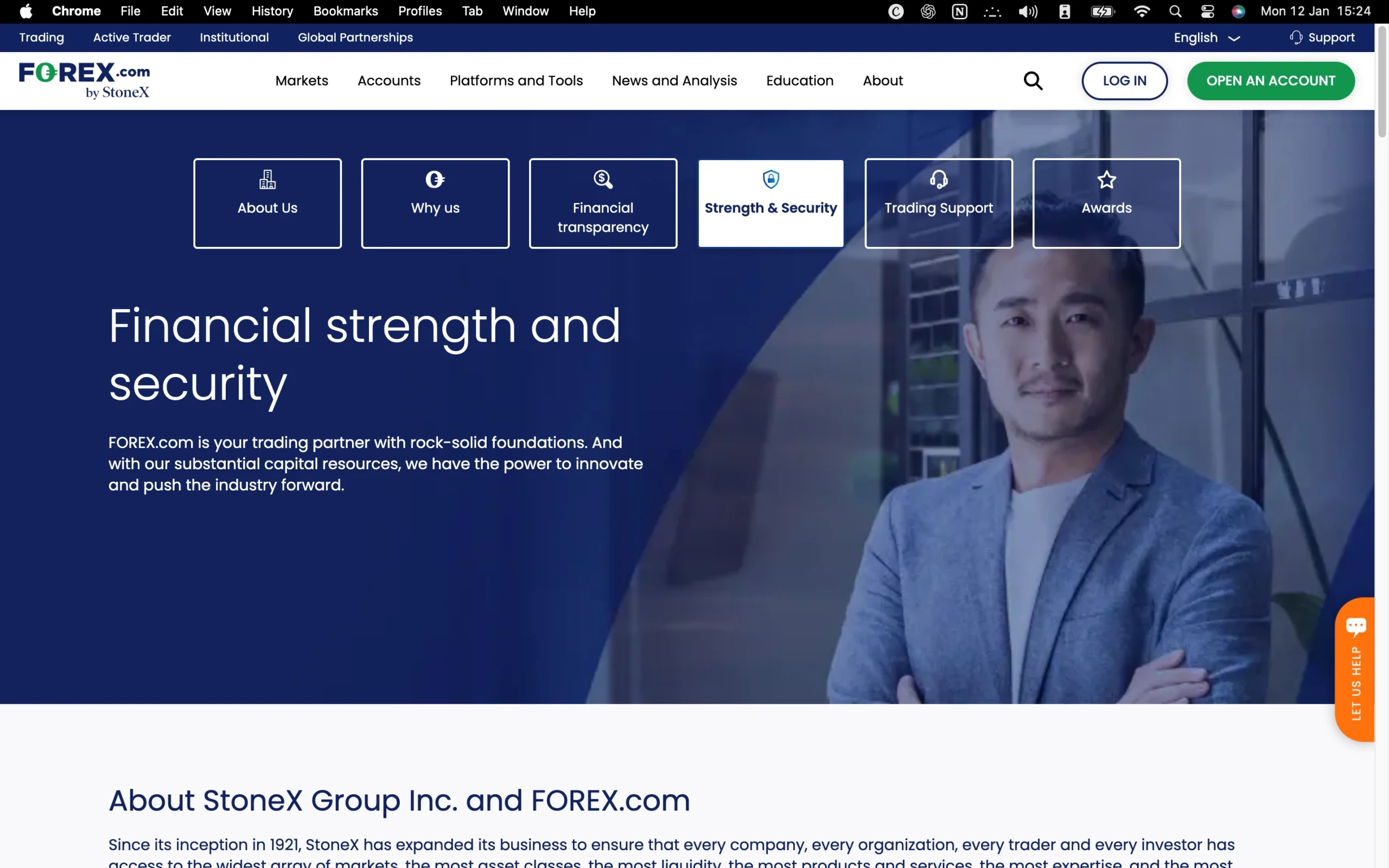
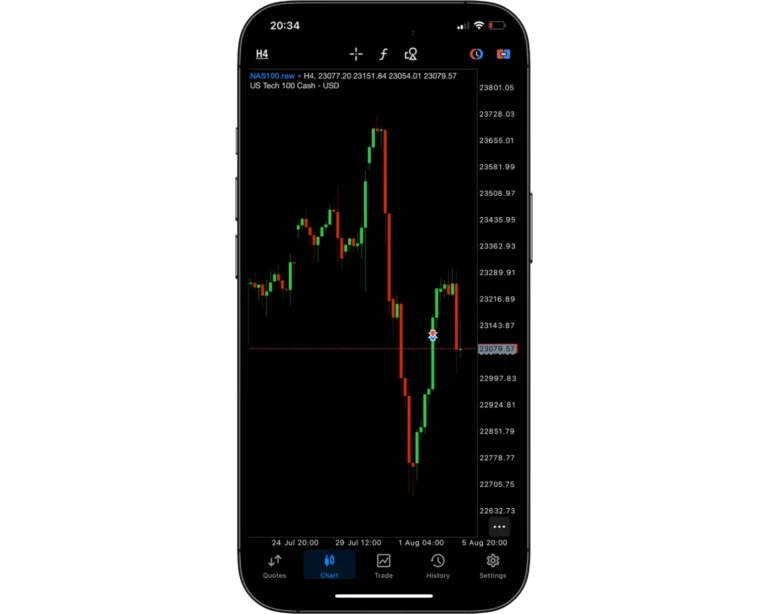
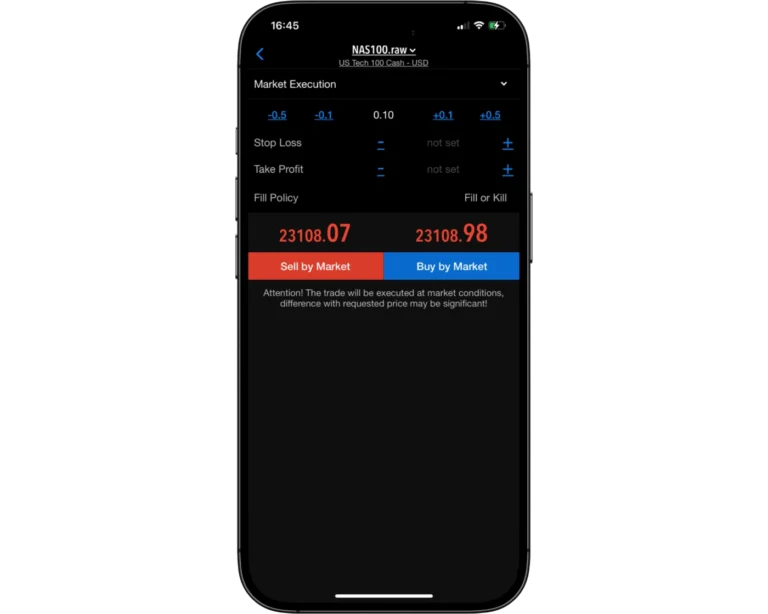
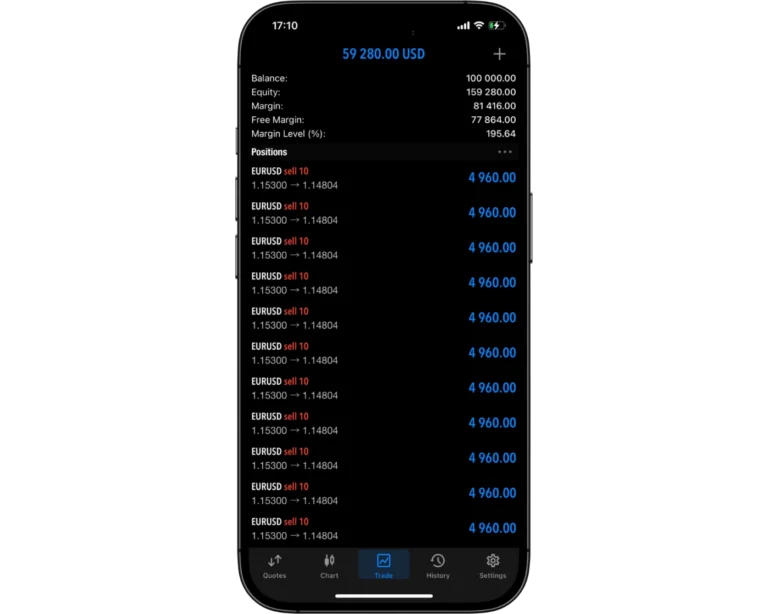
Introduction to Forex.com Safety Measures
FOREX.com is widely regarded as a safe and trustworthy broker. It is regulated by multiple top-tier financial authorities, including the Financial Conduct Authority (FCA) in the UK, the Cyprus Securities and Exchange Commission (CySEC), and the Australian Securities and Investments Commission (ASIC). This extensive regulatory oversight ensures that client funds are protected and trading practices meet strict international standards.
Adding to its credibility, FOREX.com is owned by StoneX Group Inc, a financial services giant listed on the NASDAQ stock exchange (ticker: SNEX). As a publicly traded company with billions in assets, StoneX is subject to rigorous financial reporting and transparency requirements, offering traders additional peace of mind.
Pros:
- High level of investor protection
- Majority of clients belong to a top-tier financial authority
- Parent company listed on stock exchange
Cons:
- None
Forex.com Regulation and Licensing
At TradeWiki.io, we place trust and regulatory compliance at the forefront when evaluating brokers. FOREX.com operates multiple entities globally, each regulated by top-tier authorities, ensuring client protection and adherence to international trading standards. Regulators are rated on a scale of 1 to 3, with Tier 1 representing the highest level of trust.
Global Regulatory Coverage:
StoneX Financial Ltd. (UK): Authorized and regulated by the Financial Conduct Authority (FCA), FCA Register Number: 446717 – Tier 1.
StoneX Europe Ltd. (Cyprus): Licensed by the Cyprus Securities & Exchange Commission (CySEC), License Number: 400/21 – Tier 1.
FOREX.com Canada Ltd.: Member of the Investment Industry Regulatory Organization of Canada (IIROC) and the Canadian Investor Protection Fund – Tier 1.
StoneX Financial Pty Ltd. (Australia): Regulated by the Australian Securities and Investments Commission (ASIC), ACN: 007 389 059 – Tier 1.
GAIN Capital Group LLC (DBA FOREX.com, USA): Registered FCM and RFED with the Commodity Futures Trading Commission (CFTC) and a member of the National Futures Association (NFA #0339826) – Tier 1.
StoneX Securities Co. Ltd. (Japan): Regulated by the Japan Financial Services Agency (FSA) – Tier 2.
StoneX Financial Pte. Ltd. (Singapore): Regulated by the Monetary Authority of Singapore (MAS) – Tier 2.
StoneX Financial (HK) Ltd. (Hong Kong): Regulated by the Securities and Futures Commission (SFC) – Tier 2.
GAIN Global Markets Inc. (Cayman Islands): Authorized and regulated by the Cayman Islands Monetary Authority (CIMA), License Number: 25033 – Tier 3.
This comprehensive regulatory network ensures that FOREX.com maintains high standards of safety, transparency, and accountability for clients worldwide. Traders can feel confident that their funds and trading activity are protected under some of the most respected financial authorities in the industry.
| Entity | StoneX Financial Pty Ltd. | GAIN Capital Group LLC | StoneX Financial Pte. Ltd. | StoneX Europe Ltd. | StoneX Financial (HK) Ltd. | GAIN Global Markets Inc. | FOREX.com Canada Ltd. | StoneX Securities Co. Ltd. | StoneX Financial Ltd. |
|---|---|---|---|---|---|---|---|---|---|
| Country/Region | Australia | United States | Singapore | Europe | Hong Kong | Global | Canada | Japan | United Kingdom |
| Regulation | ASIC | CFTC, NFA | MAS | CySEC | SFC | CIMA | IIROC | FSA | FCA |
| Segregated Funds | Yes | Yes | Yes | Yes | Yes | Yes | Yes | Yes | Yes |
| Negative Balance Protection | Yes | No | Yes | Yes | No | No | No | No | Yes |
| Compensation Scheme | No | Yes | No | ICF Up to €20,000 | No | No | Yes | No | FSCS Up to £85,000 |
| Standard Leverage | 1:30 | 1:50 | 1:20 | 1:30 | 1:20 | 1:400 | 1:33 | 1:25 | 1:30 |
Understanding Regulatory Protections for Forex.com Traders
Understanding where your broker subsidiary is regulated is crucial for safeguarding your investments. Different regulatory authorities enforce varying levels of protection and client safeguards, making the broker’s jurisdiction a key factor in choosing a trading partner.
For instance, clients trading with FOREX.com under its UK entity benefit from Financial Conduct Authority (FCA) oversight. The FCA mandates negative balance protection, ensuring traders cannot lose more than their deposited funds. Additionally, client deposits must be maintained in segregated accounts, shielding them in the event the broker faces insolvency.
Further enhancing safety, investments with FCA-regulated brokers are eligible for coverage under the Financial Services Compensation Scheme (FSCS). This protection guarantees up to £85,000 per client should the broker become insolvent, providing an extra layer of financial security and peace of mind.
How Forex.com Protects Your Funds
Your level of protection when trading depends on the regulatory entity serving your account, which varies by your country of residence. Each legal entity of FOREX.com is regulated under local financial authorities to ensure client funds are safeguarded according to jurisdictional standards.
For example, UK residents open accounts with StoneX Financial Ltd, which is fully regulated by the Financial Conduct Authority (FCA). Traders under this entity benefit from investor protection coverage of up to £85,000, providing reassurance that funds are secure even in the unlikely event of broker insolvency.
| Country of clients | Legal entity | Regulator | Protection amount |
|---|---|---|---|
| Singapore | StoneX Financial Pte. Ltd. | Monetary Authority of Singapore | No protection |
| USA | GAIN Capital Group LLC | Commodity Futures Trading Commission (CFTC), National Futures Association (NFA), Futures Commission Merchant (FCM), Retail Foreign Exchange Dealer (RFED) | No protection |
| UK | StoneX Financial Ltd. | Financial Conduct Authority (FCA) | £85,000 |
| Japan | StoneX Financial Co. Ltd. | Japanese Financial Services Authority (FSA) | No protection |
| Canada | GAIN Capital - FOREX.com Canada Limited | Canadian Investment Regulatory Organization (CIRO) | CAD 1,000,000 |
| EEA | StoneX Europe Ltd. | Cyprus Securities and Exchange Commission (CySEC) | €20,000 |
| All other clients | GAIN Global Markets Inc. | Cayman Islands Monetary Authority (CIMA) | No protection |
Stability and Transparency of Forex.com
When assessing brokers for trustworthiness, stability and transparency are critical factors. FOREX.com, established in 2001, stands out as a long-standing leader in retail forex brokerage. It operates under StoneX, a NASDAQ-listed company with $10.9 billion in assets, offering institutional-grade financial services. Being publicly traded, StoneX discloses regular financial reports, giving traders clear insight into the company’s long-term stability.
Transparency at FOREX.com extends across regulatory status, fees, and company information. Key resources – including the company’s history, regulatory details, and operational background – are accessible on the Why Us page. Traders can monitor costs effectively via the Pricing page, which details spreads, commissions, and swap fees. Essential legal and operational documents, such as the Client Agreement and Order Execution Policy, are linked prominently in the website footer, ensuring clients have full visibility into how their trades are managed.
| Safety Summary | Forex.com |
|---|---|
| Year Founded | 2001 |
| Publicly Traded (Listed) | Yes |
| Bank | No |
| Tier-1 Licenses | 5 |
| Tier-2 Licenses | 3 |
| Tier-3 Licenses | 1 |
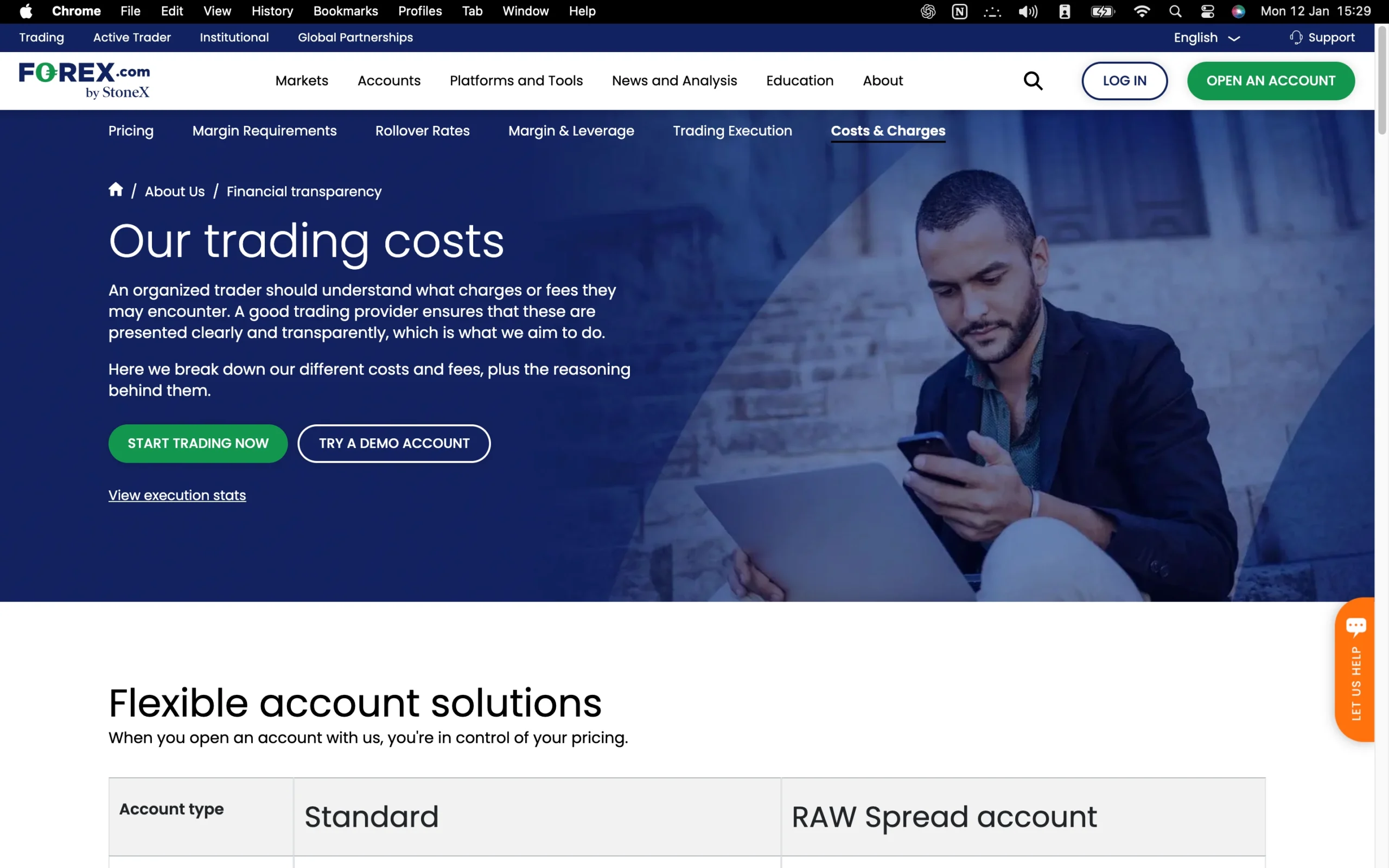
Introduction to Forex.com Fees
Trading costs at FOREX.com depend on the account type you choose, with different pricing models designed for casual traders, MetaTrader users, and high-volume professionals.
Standard Account – Available for both FOREX.com’s platform and MetaTrader 4, the Standard account uses a spread-only pricing model. In the U.S., average spreads on the EUR/USD are around 1.4 pips (July 2023 data). While this is higher than some industry averages, it appeals to traders who prefer market-maker execution without paying commissions.
RAW Spread Account – Launched as a replacement for the discontinued DMA account, the RAW Spread option is designed for active and professional traders. Typical spreads on the EUR/USD can be as low as 0.13 pips (February 2024 data), with a commission of $7 per Standard lot ($3.5 per side). Depending on trading volume, clients can qualify for rebates ranging from $2 to $9 per million traded, significantly reducing effective costs. This account type is available on MetaTrader 5 and FOREX.com’s proprietary platforms in the U.S., Canada, and the EU.
High-Volume Discounts – Traders generating more than $2 billion per month in volume can access the deepest tier of rebates, lowering costs to levels comparable with leading low-cost brokers. However, for most U.S. traders handling under $50 million per month, the all-in cost of the RAW Spread account is roughly equivalent to the Standard account, with the main differences being execution style and platform choice.
Other Fees – FOREX.com charges no withdrawal fees. Forex CFD costs are relatively competitive, while stock CFD fees are higher. An inactivity fee applies if your account remains dormant for an extended period.
At TradeWiki.io, we highlight that while FOREX.com may appear slightly more expensive than some peers, the broker offsets this with transparent execution statistics, reliable regulation, and advanced platform choices – making it a strong option for both casual traders and professionals seeking volume-based rebates.
Pros:
- Low stock index CFD fees
- No withdrawal fee
- Low forex CFD fees
Cons:
- High stock CFD fees
- Inactivity fee
Forex.com Spreads
At FOREX.com, spreads are variable, meaning they adjust in real time based on market conditions. The size of the spread is influenced by liquidity – the ease with which an asset can be bought or sold without significantly impacting its price. In highly liquid markets, such as during peak trading sessions, traders generally benefit from tighter spreads, while in quieter periods spreads can widen slightly.
To assess pricing consistency, we tested spreads on a Standard account using the Web Trader platform at two key times in 2025:
8:00 a.m. GMT – the London market open, when liquidity is typically at its highest and spreads are narrower, especially on major currency pairs.
3:00 p.m. GMT – a lower-activity period just before the New York Stock Exchange opens, when market conditions are quieter and spreads may be less competitive.
This variation reflects how spreads respond to global trading activity. For traders, it highlights the importance of timing entries and exits during periods of high liquidity to minimize costs.
We emphasize that while FOREX.com’s spreads are competitive, understanding how liquidity cycles impact pricing can help you make more cost-efficient trading decisions.
Forex Spreads
| Symbol | Product | Avg. Spread |
|---|---|---|
| USDCAD | US Dollar vs Canadian Dollar | 2.6 |
| USDJPY | US Dollar vs Japanese Yen | 1.40 |
| EURUSD | Euro vs US Dollar | 1.40 |
| GBPUSD | Great Britain Pound vs US Dollar | 1.50 |
| AUDUSD | Australian Dollar vs US Dollar | 1.60 |
| CADJPY | Canadian Dollar vs Japanese Yen | 3.60 |
| USDCHF | US Dollar vs Swiss Franc | 2.00 |
| AUDCAD | Australian Dollar vs Canadian Dollar | 2.50 |
| AUDCHF | Australian Dollar vs Swiss Franc | 3.10 |
| AUDCNH | Australian Dollar vs Chinese Yuan | 16.30 |
| AUDJPY | Australian Dollar vs Japanese Yen | 2.10 |
| AUDNOK | Australian Dollar vs Norwegian Krone | 28.40 |
| AUDNZD | Australian Dollar vs New Zealand Dollar | 5.20 |
| AUDPLN | Australian Dollar vs Polish Zloty | 15.00 |
| AUDSGD | Australian Dollar vs Singapore Dollar | 7.30 |
| CADCHF | Canadian Dollar vs Swiss Franc | 3.40 |
| CADNOK | Canadian Dollar vs Norwegian Krone | 27.60 |
| CADPLN | Canadian Dollar vs Polish Zloty | 17.20 |
| CHFHUF | Swiss Franc vs Hungarian Forint | 37.60 |
| CHFJPY | Swiss Franc vs Japanese Yen | 3.00 |
| CHFNOK | Swiss Franc vs Norwegian Krone | 39.20 |
| CHFPLN | Swiss Franc vs Polish Zloty | 20.40 |
| CNHJPY | Chinese Yuan vs Japanese Yen | 129.00 |
| EURAUD | Euro vs Australian Dollar | 4.4 |
| EURCAD | Euro vs Canadian Dollar | 3.4 |
| EURCHF | Euro vs Swiss Franc | 2.7 |
| EURCNH | Euro vs Chinese Yuan | 19.2 |
| EURCZK | Euro vs Czech Koruna | 2.8 |
| EURDKK | Euro vs Danish Krone | 4.8 |
| EURGBP | Euro vs Great Britain Pound | 1.9 |
| EURHKD | Euro vs Hong Kong Dollar | 0.2 |
| EURHUF | Euro vs Hungarian Forint | 8.2 |
| EURJPY | Euro vs Japanese Yen | 2.6 |
| EURMXN | Euro vs Mexican Peso | 200.1 |
| EURNOK | Euro vs Norwegian Krone | 47 |
| EURNZD | Euro vs New Zealand Dollar | 0.1 |
| EURPLN | Euro vs Polish Zloty | 13.6 |
| EURRUB | Euro vs Russian Ruble | 124.9 |
| EURSEK | Euro vs Swedish Krona | 33 |
| EURSGD | Euro vs Singapore Dollar | 7 |
| EURTRY | Euro vs Turkish Lira | 336.4 |
| EURZAR | Euro vs South African Rand | 88.9 |
| GBPAUD | Great Britain Pound vs Australian Dollar | 6.1 |
| GBPCAD | Great Britain Pound vs Canadian Dollar | 5.1 |
| GBPCHF | Great Britain Pound vs Swiss Franc | 3.6 |
| GBPDKK | Great Britain Pound vs Danish Krone | 44 |
| GBPHKD | Great Britain Pound vs Hong Kong Dollar | 23 |
| GBPJPY | Great Britain Pound vs Japanese Yen | 3.5 |
| GBPMXN | Great Britain Pound vs Mexican Peso | 222 |
| GBPNOK | Great Britain Pound vs Norwegian Krone | 88.7 |
| GBPNZD | Great Britain Pound vs New Zealand Dollar | 7.9 |
| GBPPLN | Great Britain Pound vs Polish Zloty | 35.7 |
| GBPSEK | Great Britain Pound vs Swedish Krona | 70.5 |
| GBPSGD | Great Britain Pound vs Singapore Dollar | 9 |
| GBPZAR | Great Britain Pound vs South African Rand | 210.3 |
| HKDJPY | Hong Kong Dollar vs Japanese Yen | 15 |
| NOKDKK | Norwegian Krone vs Danish Krone | 8.6 |
| NOKJPY | Norwegian Krone vs Japanese Yen | 80 |
| NOKSEK | Norwegian Krone vs Swedish Krona | 16.5 |
| NZDCAD | New Zealand Dollar vs Canadian Dollar | 3.7 |
| NZDCHF | New Zealand Dollar vs Swiss Franc | 3.3 |
| NZDJPY | New Zealand Dollar vs Japanese Yen | 3.3 |
| NZDUSD | New Zealand Dollar vs US Dollar | 2.8 |
| SGDHKD | Singapore Dollar vs Hong Kong Dollar | 37 |
| SGDJPY | Singapore Dollar vs Japanese Yen | 4.8 |
| TRYJPY | Turkish Lira vs Japanese Yen | 11.8 |
| USDCNH | US Dollar vs Chinese Yuan | 6.6 |
| USDCZK | US Dollar vs Czech Koruna | 75 |
| USDDKK | US Dollar vs Danish Krone | 5.2 |
| USDHKD | US Dollar vs Hong Kong Dollar | 14.2 |
| USDHUF | US Dollar vs Hungarian Forint | 11.8 |
| USDILS | US Dollar vs Israeli Shekel | 65.2 |
| USDMXN | US Dollar vs Mexican Peso | 56.3 |
| USDNOK | US Dollar vs Norwegian Krone | 42.4 |
| USDPLN | US Dollar vs Polish Zloty | 8.3 |
| USDRON | US Dollar vs Romanian Leu | 52.1 |
| USDRUB | US Dollar vs Russian Ruble | 224.7 |
| USDSEK | US Dollar vs Swedish Krona | 36 |
| USDSGD | US Dollar vs Singapore Dollar | 5.9 |
| USDTHB | US Dollar vs Thai Baht | 4.1 |
| USDTRY | US Dollar vs Turkish Lira | 94.3 |
| USDZAR | US Dollar vs South African Rand | 103.8 |
| ZARJPY | South African Rand vs Japanese Yen | 2.2 |
Metal Spreads
| Symbol | Product | Avg. Spread |
|---|---|---|
| XAUUSD | Gold US Dollar | 56.00 |
| XAGUSD | Silver US Dollar | 7.50 |
| XAUJPY | Gold vs Japanese Yen | 175.00 |
| XAUEUR | Gold vs Euro | 115.00 |
| GOLDMINI | Gold Mini | 0.50 |
| SILVERMINI | Silver Mini | 6.60 |
| XAAUD | Gold vs Australian Dollar | 137.00 |
| XAUCHF | Gold vs Swiss Franc | 116.00 |
| XAUGBP | Gold vs Great Britain Pound | 100.00 |
Indices Spreads
| Symbol | Product | Avg. Spread |
|---|---|---|
| WALLSTREET | Wall Street | 3.50 |
| USSP500 | US SP 500 | 0.60 |
| USTECH100 | US Tech 100 | 3.00 |
| HONGKONG50 | Hong Kong 50 | 16.00 |
| JAPAN225 | Japan 225 | 13.00 |
| GERMANY40 | Germany 40 | 1.20 |
| UK100 | UK 100 | 1.00 |
| AIINDEXCFD | AI Index CFD | 6.00 |
| AUSTRALIA200 | Australia 200 | 7.00 |
| CHINA50 | China 50 | 10.00 |
Commodities Spreads
| Symbol | Product | Avg. Spread |
|---|---|---|
| USCRUDEOIL | US Crude Oil | 2.5 |
| UKCRUDEOIL | UK Crude Oil | 2.50 |
| SUGARNO11 | Sugar No 11 | 6.00 |
| COFFEEC | Coffee C | 35.00 |
| COTTONNO2 | Cotton No 2 | 10.00 |
Stocks Spreads
| Symbol | Product | Avg. Spread |
|---|---|---|
| TESLA | Tesla Motors | 3.00 |
| NVIDIA | Nvidia Corp | 2.00 |
| NIO | NIO CFD | 0.00 |
| MICROSOFT | Microsoft Corp | 0.00 |
| APPLE | Apple Inc | 0.00 |
| ADIDAS | Adidas AG | 5.00 |
| ADOBE | Adobe Systems | 6.00 |
| AMD | Advanced Micro Devices | 0.00 |
| AIRBUS | Airbus Group SE | 5.00 |
| ALIBABA | Alibaba Group Holding | 1.00 |
| ALPHABETA | Alphabet Inc A | 0.00 |
| AMAZON | Amazon.com | 0.00 |
| AMEX | American Express | -0.20 |
| BAIDU | Baidu | 6.00 |
| BOFA | Bank Of America | 10.00 |
| BOCHINA | Bank Of China | 0.00 |
| BOEING | Boeing Co | 3.00 |
| BYD | BYD Company | 0.00 |
| CHEETAH | Cheetah Mobile Inc | 0.00 |
| CITIC | China CITIC Bank | 0.00 |
| EVERGRANDE | China Evergrande Group | 0.00 |
| CHINALIFE | China Life Insurance Co | 0.00 |
| CMB | China Merchants Bank | 0 |
| CHINAPOWER | China Power | 0 |
| CHINARAILWAY | China Railway Group Ltd | 0 |
| CHINAUNICOM | China Unicom | 0 |
| CISCO | Cisco Systems | 1 |
| COCA | Coca Cola Co | 1 |
| COSTCO | Costco | 41 |
| EBAY | Ebay | 1 |
| FORD | Ford Motor Co | 0 |
| FOSUN | Fosun International | 0 |
| FCX | Freeport-McMoRan Copper and Gold | 1 |
| GEELY | Geely Automobile Holdings Ltd | 1 |
| GE | General Electric | -3 |
| GS | Goldman Sachs | 29 |
| HERMES | Hermes International | 1 |
| HP | HP Inc | 1 |
| IBM | IBM | 4 |
| ICBC | ICBC (Indus & Comm Bank of China) | 0 |
| INTEL | Intel Corp | 1 |
| ECHINA | iShares MSCI China ETF | 1 |
| JPM | J.P. Morgan Chase | 21 |
| JD | JD.com | 1 |
| LENOVO | Lenovo Group | 0 |
| LULULEMON | Lululemon | -27 |
| MCD | McDonald’s Corp | 14 |
| META | Meta | 0 |
| MICRON | Micron Tech CFD | 0 |
| MOMO | Momo Inc | 0 |
| NETFLIX | Netflix | 0 |
| NIKE | Nike Cl B | 30 |
| PAYPAL | Paypal | 0 |
| PFIZER | Pfizer | 1 |
| PINDUODUO | Pinduoduo Inc | 1 |
| PINGAN | Ping An Insurance | 0 |
| PROVIX | ProShares Ultra VIX ST | 1 |
| QUALCOMM | Qualcomm | 1 |
| SP500ETF | SPDR S&P 500 ETF | 3 |
| STARBUCKS | Starbucks | 0 |
| TENCENT | Tencent | 0 |
| TRANSOCEAN | Transocean | 0 |
| UBER | Uber Inc CFD | 1 |
| VISA | Visa | -9 |
| WALMART | Walmart | 1 |
| DISNEY | Walt Disney Co | 0 |
| Weibo Corp | 0 | |
| XIAOMI | Xiaomi | 0 |
| ZOOM | Zoom Video Communications (A Class) CFD | 2 |
Cryptos Spreads
| Symbol | Product | Avg. Spread |
|---|---|---|
| BTCUSD | Bitcoin ($) | 4000.00 |
| BTCGBP | Bitcoin (£) | 6000.00 |
| BTCEUR | Bitcoin (€) | 5500.00 |
| BTCAUD | Bitcoin AUD | 12500.00 |
| BCHUSD | Bitcoin Cash ($) | 180.00 |
| ADAUSD | Cardano ($) | 50.00 |
| DOGEUSD | Dogecoin ($) | 15.00 |
| ETHUSD | Ethereum ($) | 200.00 |
| LTCUSD | Litecoin ($) | 50.00 |
| XRPUSD | Ripple ($) | 50.00 |
| SOLUSD | Solana ($) | 50.00 |
Commission Rates for Forex.com Shares
When trading share CFDs at FOREX.com, commissions apply only to this asset class, while most other instruments are covered by spread-based pricing. Commission rates vary depending on the market:
UK, European, and Asian shares: 0.08% of the total trade value (also called the consideration).
U.S. shares: 1.8 cents per share traded.
Minimum commission charges apply, set at £10, $10, €10, or 10 SGD, depending on the base currency of your account.
For traders comparing costs, these commissions are competitive for active share CFD traders who seek access to global equity markets. We highlight that understanding commission structures upfront helps investors better calculate total trading costs and plan strategies more effectively.
Forex.com Swap Fees Explained
Swap fees, also known as overnight financing costs, apply when traders keep positions open beyond a single trading day. At FOREX.com, these charges are broadly in line with industry averages, making them neither the cheapest nor the most expensive option for holding trades overnight.
For clarity, swap rates are typically split into two categories:
Swap Long – the cost or credit applied when holding a buy position overnight.
Swap Short – the cost or credit applied when holding a sell position overnight.
As a reference point, TradeWiki.io reviewed swap data for one full-sized contract (100,000 units of the base currency) recorded in 2026. Actual swap values fluctuate based on interest rate differentials between currencies and the broker’s internal pricing model, so traders should always check the latest rates directly within the trading platform before placing longer-term trades.
By factoring swap fees into a trading plan, investors can avoid unnecessary surprises and better align strategies with overall cost efficiency.
| Instrument | Swap Short | Swap Long |
|---|---|---|
| EUR/USD | Credit of GBP 5.60 | Charge of GBP 7.20 |
| GBP/JPY | Charge of GBP 12.70 | Credit of GBP 9.50 |
Non-Trading Fees at Forex.com
FOREX.com keeps non-trading costs fairly simple and transparent. There are no charges for withdrawals or general account maintenance, which is a strong advantage for cost-conscious traders.
The only notable non-trading expense is an inactivity fee. If a trading account shows no open positions or trading activity for 12 months or longer, a monthly fee of £12 or $15 (or the equivalent in your base currency) is applied.
This fee structure is competitive compared to many brokers that impose higher charges or shorter inactivity periods. Active traders are unlikely to encounter these costs, making FOREX.com a practical choice for both frequent and occasional investors who want to avoid hidden fees.
Are Forex.com Fees Competitive?
When evaluating FOREX.com’s overall fee structure, the results are mixed. On its Standard account, certain markets – such as the Dow 30 Index – feature spreads that are quite competitive compared to industry norms. However, other instruments like crude oil tend to come with higher-than-average spreads.
In terms of overnight financing costs (swap fees), FOREX.com sits around the industry average. While not the cheapest broker available, it remains a strong choice for traders who value transparency and regulatory backing over rock-bottom pricing.
FOREX.com’s fees are best suited to traders who prioritize a balance between reliability, trust, and cost-effectiveness, rather than those seeking ultra-low-cost execution at the expense of other safeguards.
| Fees Summary | Forex.com |
|---|---|
| Minimum Deposit | $100 |
| Average Spread EUR/USD - Standard | 1.4 |
| All-in Cost EUR/USD - Active | 0.9 |
| Active Trader or VIP Discounts | Yes |
| ACH or SEPA Transfers | Yes |
| Skrill (Deposit/Withdraw) | No |
| Visa/Mastercard (Credit/Debit) | Yes |
| Bank Wire (Deposit/Withdraw) | Yes |
| PayPal (Deposit/Withdraw) | Yes |
Deposit and Withdrawal Overview
Clients at Forex.com enjoy a wide selection of deposit and withdrawal options, all designed for speed and convenience. You can fund your account or withdraw earnings via bank wire, credit or debit cards, and PayPal, with no fees applied for either transactions. While most credit cards are supported, a few may have restrictions for withdrawals. Overall, the process is straightforward, fast, and transparent, ensuring smooth access to your funds.
Pros:
- Credit/Debit card available
- No deposit fee
- Free withdrawal
Cons:
- Problem with credit card withdrawal
Forex.com Account Base Currencies
At Forex.com, you can choose from the following base currencies:
| USD | PLN | GBP |
| CHF | EUR | SGD |
The account currency options differ slightly depending on the Forex.com entity, with the EU branch offering a more limited selection. Overall, the range is comparable to other brokers in the market. Choosing a base currency that matches your bank account or the currency of the assets you trade helps you avoid unnecessary conversion fees.
To further minimize currency exchange costs, consider opening a multi-currency bank account with a digital bank. These accounts often support several currencies, provide competitive exchange rates, and allow low-cost or free international transfers. Opening an account is fast and can usually be completed in minutes via your smartphone, offering a convenient solution for traders seeking to save on conversion fees.
Deposit Methods and Fees
Forex.com provides a range of deposit options with no fees, ensuring that funding your trading account is straightforward and cost-efficient. Traders can deposit funds via bank transfers, major debit or credit cards, and PayPal, offering flexibility and convenience for both new and experienced clients. These options allow you to start trading quickly while avoiding unnecessary costs, making Forex.com a practical choice for hassle-free account funding.
Forex.com supports the following Deposit Methods:
| Bank transfer | Credit/debit cards | Skrill |
| Neteller | PayPal |
Forex.com deposit methods and fees:
| Method | Minimum Transaction | Maximum Transaction | Accepted Currencies | Typical Processing Time | Fees |
|---|---|---|---|---|---|
| Wire Transfer | None | None | USD, EUR, CAD, JPY, CHF, AUD, GBP | Up to 1-2 business days | 0% |
| PayPal | £100 (or currency equivalent) | £50,000 (or currency equivalent) | EUR, GBP, USD | Immediate | 0% |
| Credit or Debit Card | £100 (or currency equivalent) | £99,999 (or currency equivalent) | USD, EUR, CAD, JPY, CHF, AUD, GBP | Immediate | 0% |
Withdrawal Methods and Fees
Forex.com offers straightforward and largely fee-free withdrawal options, making it easy for traders to access their funds. Withdrawals can be processed via the same methods used for deposits, including bank transfers, credit/debit cards, and PayPal, and must be made to accounts registered in your name for security. While most withdrawals are free, U.S. and Canadian clients incur a fee for amounts under $10,000. Additionally, each withdrawal is capped at $25,000, ensuring smooth and secure fund management for active traders.
Forex.com withdrawal methods and fees:
| Method | Minimum Transaction | Maximum Transaction | Typical Processing Time | Fees |
|---|---|---|---|---|
| Wire Transfer | £100 (or currency equivalent) | None | Up to 1-2 business days | 0% |
| PayPal | £100 (or currency equivalent) | £20,000 (or currency equivalent) | Immediate | 0% |
| Credit or Debit Card | £100 (or currency equivalent) | £100,000 (or currency equivalent) | Immediate | 0% |
How Long Does Forex.com Take to Process Withdrawals?
Withdrawal processing at Forex.com is generally straightforward but varies depending on the method. Bank transfers typically take 2–3 business days, while withdrawals to bank cards may require up to 5 business days. In practice, some credit cards, including certain MasterCard and Visa cards, are not supported for withdrawals. In such cases, funds must be redirected to a verified bank account, which requires approval by customer service before processing. To avoid delays, it is advisable to confirm in advance which cards are eligible and to have a verified bank account ready for seamless withdrawals.
Step-by-Step Guide to Withdrawing Money From Forex.com
Withdrawing funds from Forex.com is simple and user-friendly. Follow these steps for a smooth process:
Log in to your account via the ‘MyAccount’ portal.
Navigate to the ‘Funding’ section and choose ‘Withdraw.’
Enter the amount you wish to transfer.
Review your details and confirm the withdrawal.
This streamlined process ensures that your funds are sent securely and efficiently to your designated account.
Trading Platforms Overview
Forex.com offers a comprehensive suite of trading platforms and tools designed to cater to both beginner and advanced traders. Its flagship Web Trading platform combines ease of use with robust functionality, featuring charts powered by TradingView, nearly 100 indicators, 14 timeframes, and ten chart types for detailed technical analysis. This makes market research, analysis, and trade execution straightforward for casual traders.
For more experienced traders, Forex.com’s Advanced Trading desktop platform delivers deep customization, advanced order types, and over 200 technical indicators, including automated strategies. Users can adjust price tolerance directly within the trade ticket, access sophisticated drawing tools, and benefit from a feature-rich layout that supports efficient trading.
In addition to these core platforms, traders can use MetaTrader 4 and 5 for automated trading strategies and NinjaTrader for more specialized workflows. Forex.com also offers the Trading Analytics suite, including the PlayMaker module, which provides innovative risk management insights and has been recognized as a leading tool for managing trading risk.
Overall, Forex.com’s platform ecosystem is designed to provide flexibility, advanced charting, and analytical depth, ensuring traders of all levels have the tools they need to execute strategies effectively.
MetaTrader 4

MetaTrader 4 Desktop Intro
The MetaTrader 4 (MT4) desktop platform offered by Forex.com is designed to serve both beginner and experienced traders, combining an intuitive interface with powerful functionality. Navigating charts, orders, and trading instruments is straightforward, while the platform’s reliability ensures consistent performance, even if some users consider the chart visuals less modern than newer platforms.
Platform Compatibility & Global Accessibility
Forex.com MT4 is compatible with both Windows and Mac operating systems and supports 52 languages, including English, French, Spanish, German, Arabic, and Chinese. This broad language support makes it accessible to traders worldwide.
Key Features
Custom Alerts: Set notifications for specific price levels to capture potential entry and exit opportunities.
Watchlist Management: Build personalized watchlists to efficiently monitor preferred instruments and track market movements.
One-Click Trading: Execute market orders instantly at the current price, ideal for scalpers and high-speed trading strategies.
Chart-Based Trading: Place trades directly from the chart, specifying entry price, volume, stop-loss, and take-profit levels for precise execution.
Expert Advisor Integration: MT4 supports automated trading with Expert Advisors (EAs), allowing users to test, run, and optimize strategies using the built-in strategy tester across diverse market conditions.
Why MT4 on Forex.com Stands Out
With its advanced automation tools, customizable alerts, and seamless chart-based trading, the MT4 desktop platform delivers a professional-grade trading environment. It empowers traders with precision, flexibility, and efficiency, making it a preferred choice for those seeking a reliable and robust platform for both manual and automated trading strategies.
Pros:
- Clear fee report
- Price alerts
- Good customizability (for charts, workspace)
Cons:
- Search function could be improved
- Poor design
Mt4 Charts
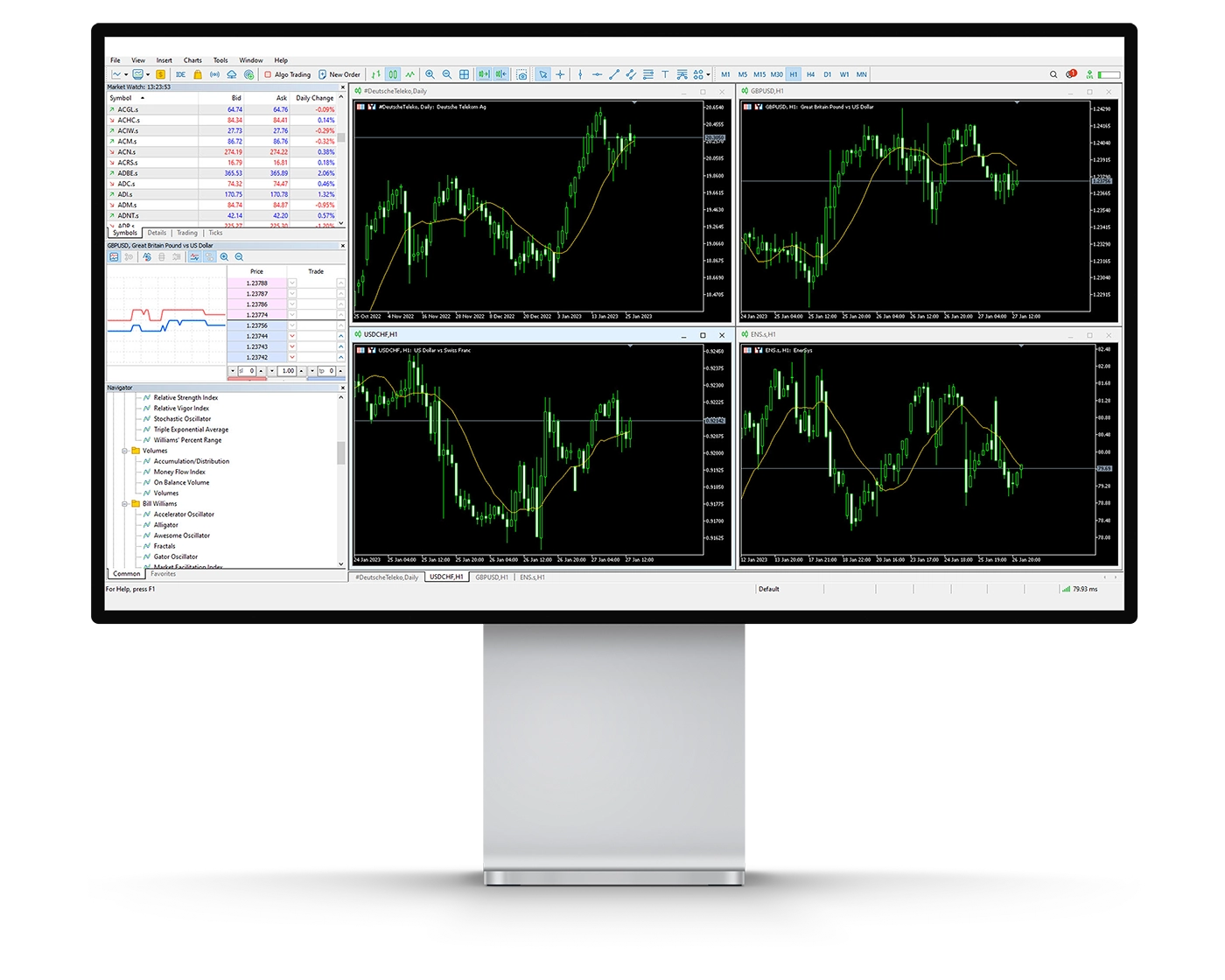
Forex.com’s MetaTrader 4 (MT4) platform delivers a powerful suite of charting and analytical tools designed to support both technical and strategic trading. Its extensive feature set makes it suitable for traders seeking precise market insights and advanced decision-making capabilities.
- Technical Indicators: MT4 provides 38 built-in technical indicators covering trend, volume, and oscillator-based analysis. These tools help traders evaluate price action, assess market sentiment, and anticipate potential market movements, offering critical support for both short-term and long-term strategies.
- Drawing Tools: The platform includes 24 drawing tools, such as Fibonacci retracements and Elliott waves, which allow traders to map out price patterns, identify key support and resistance levels, and spot possible breakout points. While these tools enhance technical analysis, applying multiple indicators can make charts appear crowded, requiring careful management for clarity.
- Timeframes & Chart Types: MT4 supports 21 different timeframes, enabling multi-timeframe analysis and providing a comprehensive view of market trends. Traders can switch between line charts, bar charts, and candlesticks to gain different perspectives and identify optimal trading opportunities.
- User Considerations: Although MT4’s robust functionality empowers detailed analysis, charts can quickly become cluttered when multiple tools are applied, potentially obscuring price movements and complicating in-depth evaluation.
Overall, the MT4 charting suite on Forex.com offers unmatched flexibility and depth, making it an ideal choice for traders who require comprehensive analysis for both manual trading and automated strategies. Its combination of technical indicators, drawing tools, and customizable charts supports informed trading decisions in diverse market conditions.
Mt4 Orders
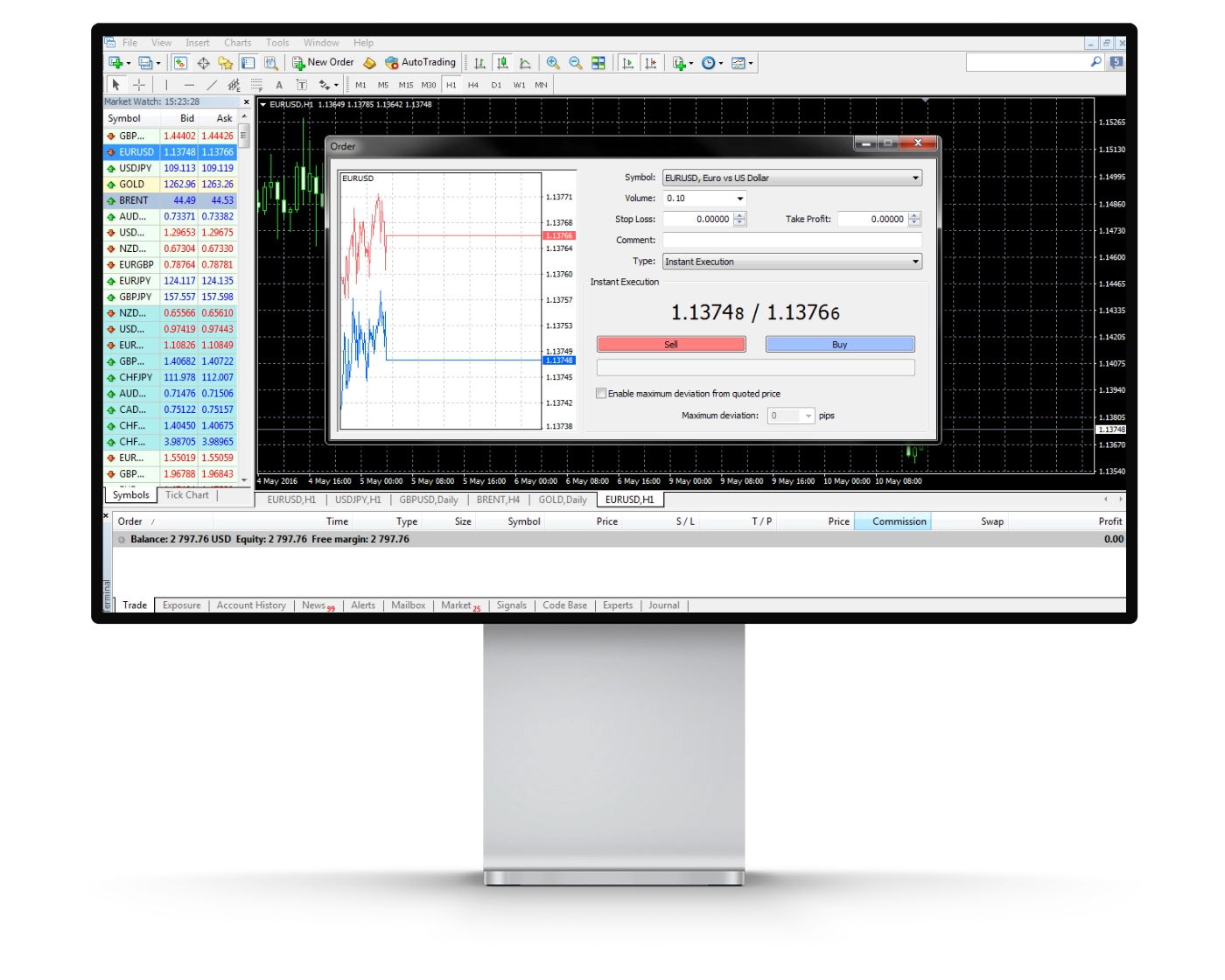
Forex.com’s MetaTrader 4 (MT4) platform provides a comprehensive set of order execution tools, designed to accommodate both manual trading and fast-paced strategies. With multiple order types and one-click trading, the platform empowers traders to enter and exit positions with precision and efficiency.
- Market Orders: Market orders allow traders to execute positions immediately at the best available price. While the requested trade volume is guaranteed, the final execution price may vary slightly due to market fluctuations, making them ideal for quick-entry strategies.
- Limit Orders: Limit orders give traders full control over entry points by executing trades only at a specified price or better. This order type is perfect for those seeking precision in market entry, although the trade will only be executed if the market reaches the designated level.
- Stop Orders: Stop orders are essential for risk management, enabling traders to limit potential losses. A stop-loss order is placed above or below the current market price, and when triggered, it converts to a market order to close the position at the best available price.
- One-Click Trading: MT4’s one-click trading feature streamlines execution, allowing for rapid order placement directly from the chart or trade ticket. This functionality supports scalping, day trading, and algorithmic strategies, giving traders the flexibility to act decisively in volatile markets.
By integrating diverse order types with one-click execution, Forex.com’s MT4 platform provides a professional-grade trading environment. It equips traders with the tools needed to implement precise strategies, manage risk effectively, and respond swiftly to market movements.
Mt4 WebTrader
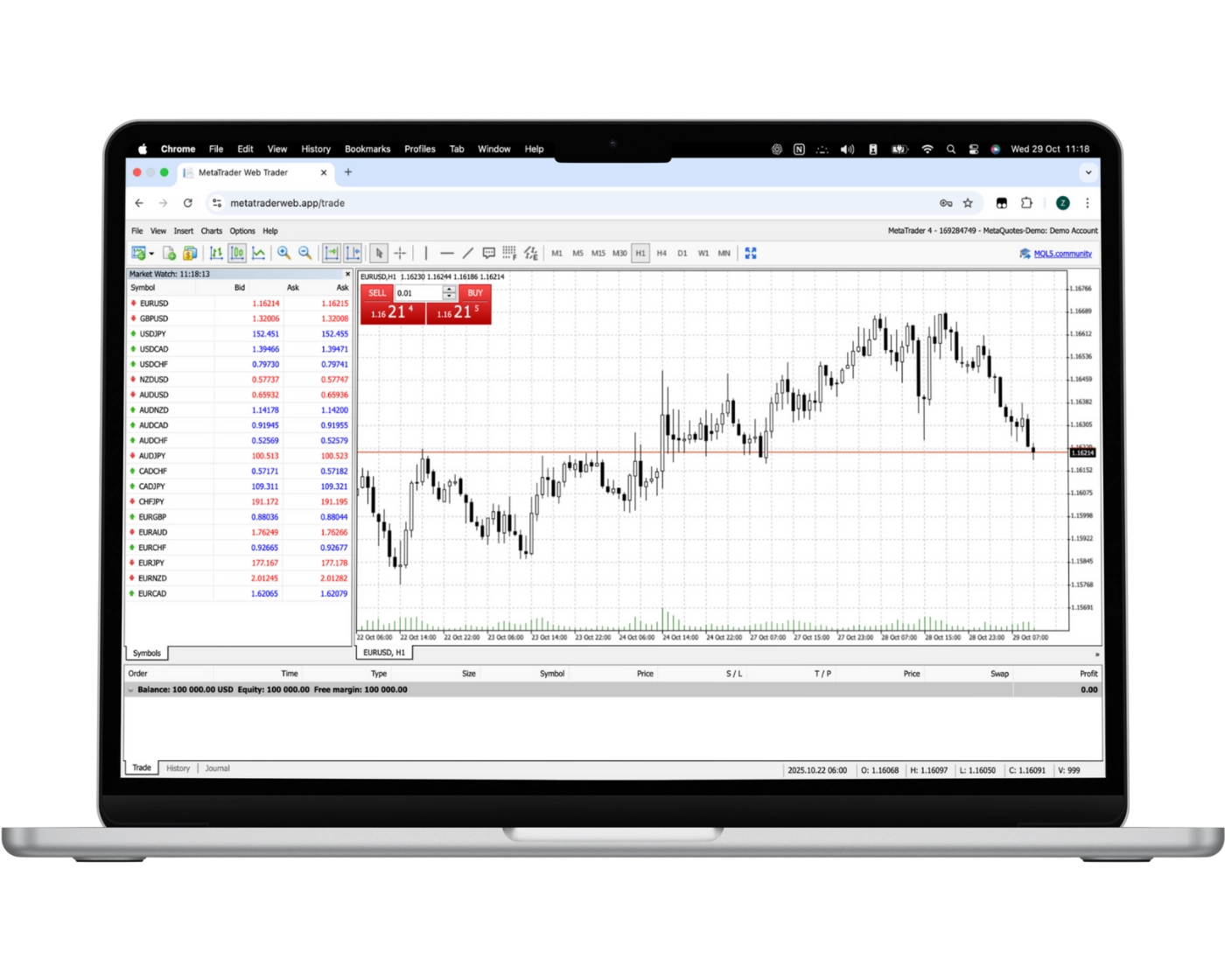
The MetaTrader Web Platform (Web Trader) delivers a streamlined yet powerful trading experience, accessible directly from any browser without the need for additional software. This flexibility allows traders to manage their positions from any operating system, making it ideal for both casual and professional Forex users.
Key Features of the Web Trader Platform
One-Click Trading: Instantly execute trades with a single click, ensuring speed and efficiency in fast-moving markets.
Chart-Based Trading: Enter and exit positions directly from your charts, giving you the ability to react immediately to market fluctuations.
Real-Time Watchlists: Monitor your preferred instruments with live quotes, keeping track of market movements effortlessly.
Trade History Access: Review past trades to analyze performance, identify patterns, and refine trading strategies.
Advanced Charting Tools: Utilize 30 technical indicators to support thorough technical analysis and informed decision-making.
Copy and Automated Trading: Follow successful traders through copy trading or automate your strategies to enhance efficiency and reduce manual intervention.
With its combination of ease-of-use, advanced charting, and automation capabilities, the Web Trader platform from Forex.com offers a comprehensive solution for traders seeking a versatile, browser-based trading environment. It positions itself as a strong contender among leading Forex brokers, providing the tools needed to trade confidently and strategically.
MT4 Mobile App
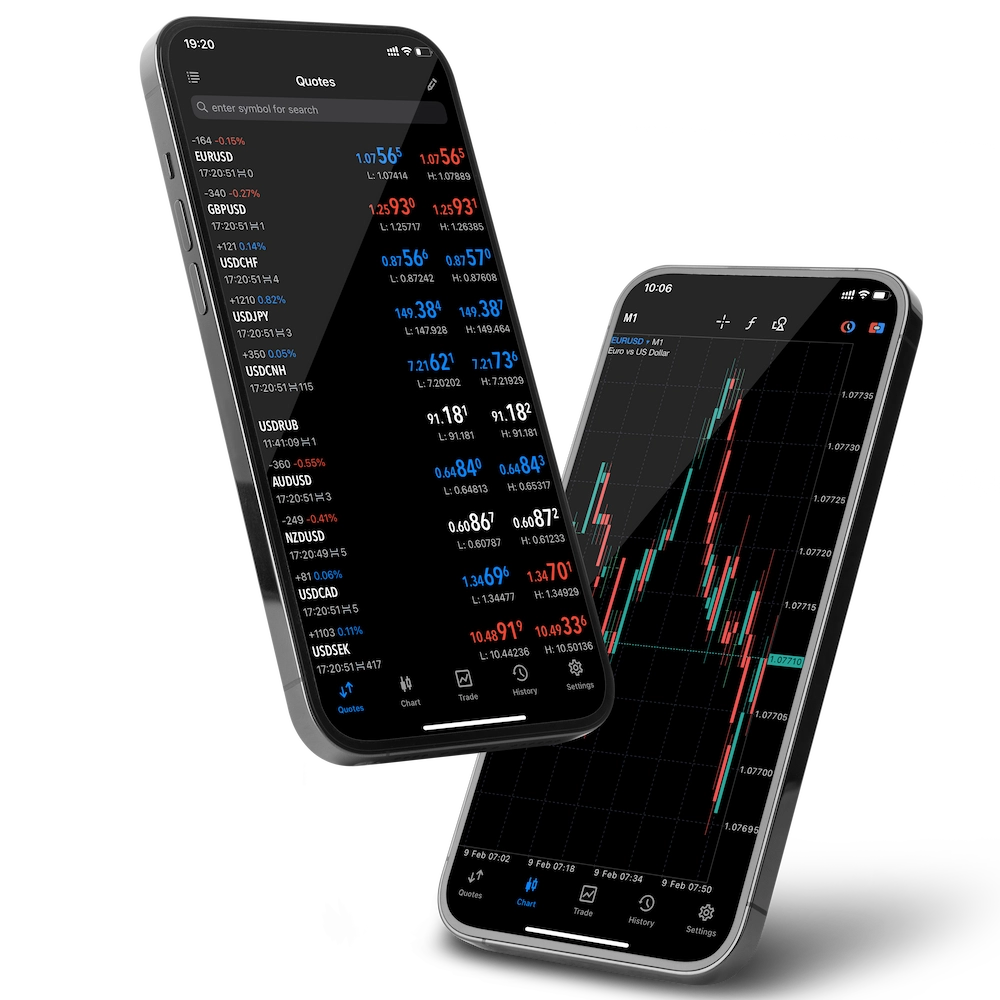
Pros:
- Good search function
- User-friendly
- Price alerts
Cons:
- No two-step (safer) login
The MetaTrader 4 (MT4) mobile app from Forex.com, available for both iOS and Android, delivers full trading functionality on the go, giving traders seamless access to the markets anytime, anywhere. Designed with efficiency in mind, the app allows users to open, modify, and close positions with precision directly from their mobile devices.
Traders can place market, limit, and stop orders, while also adjusting trade size and exposure on active positions. Its intuitive interface and responsive design ensure that critical trading decisions can be executed instantly, making it an essential tool for active traders who require flexibility and speed.
Integrated with Forex.com’s advanced execution systems and real-time market data, the MT4 mobile platform provides a professional-grade trading experience. It empowers both casual and professional traders to respond quickly to dynamic market conditions, maintaining full control over their trading strategies while on the move.
Look and Feel
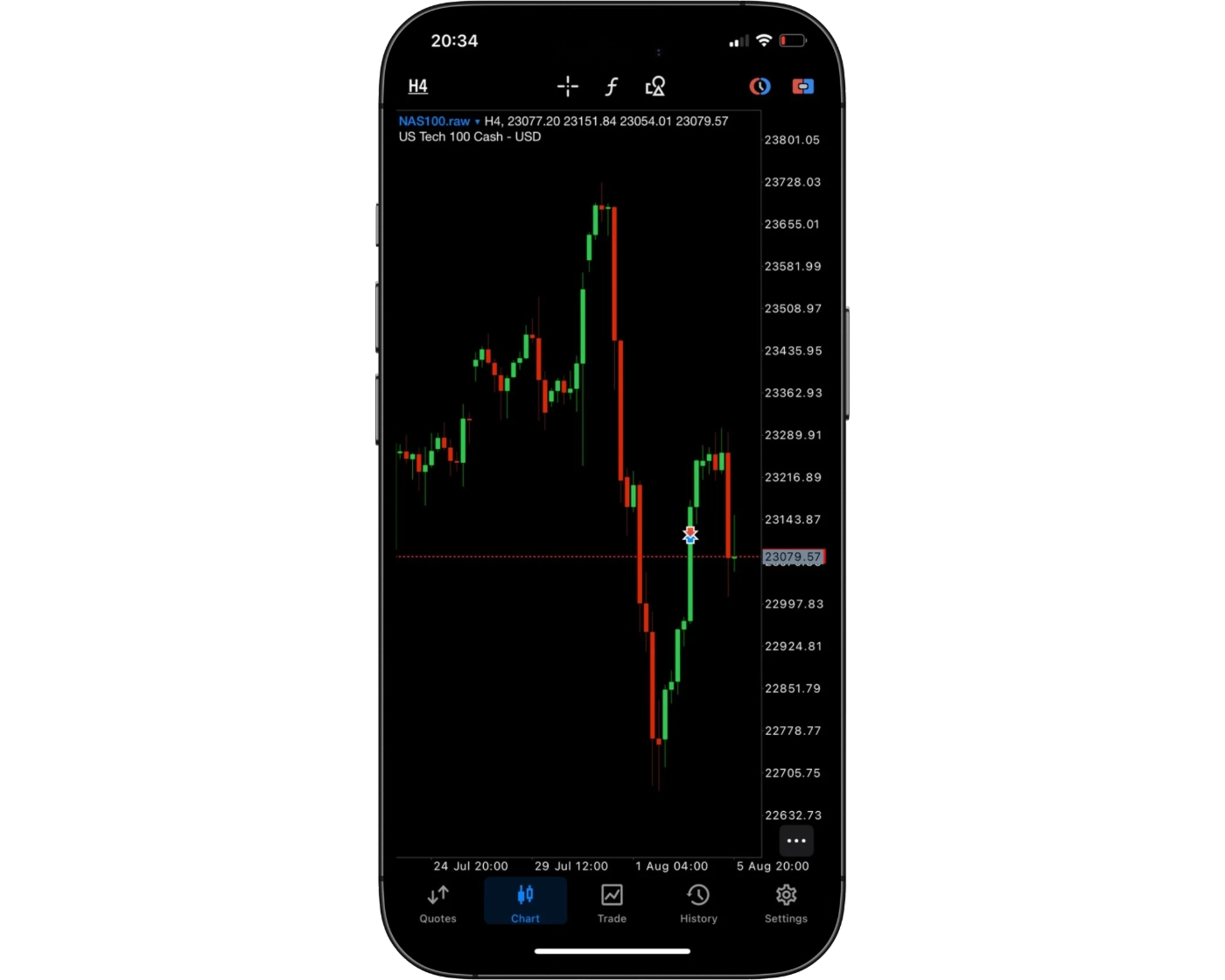
Forex.com offers a sleek and intuitive MT4 mobile trading platform that combines visual appeal with practical functionality. Its clean layout and well-organized features make navigating charts, placing orders, and managing positions straightforward and efficient. Designed to accommodate both beginners and seasoned traders, the platform ensures a seamless mobile trading experience, keeping you connected to the markets anytime and anywhere.
Login and security
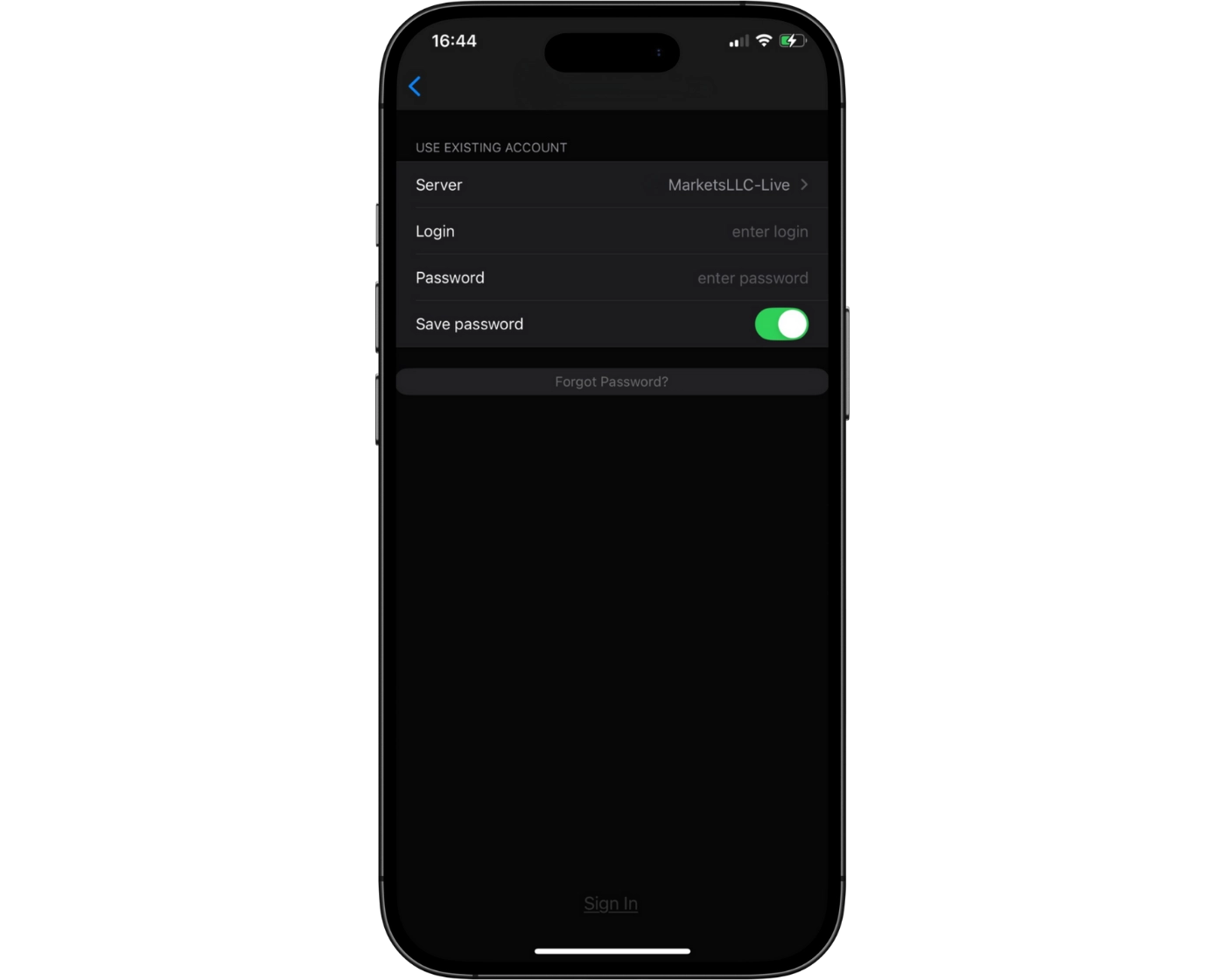
Forex.com’s MT4 mobile platform offers a straightforward single-step login, granting quick access to your trading account. While convenient, security could be enhanced by adding two-factor authentication, providing an extra layer of protection for your funds and personal information. Currently, the app does not support biometric login options, such as fingerprint or facial recognition, which would offer faster and more secure access. Incorporating these features would significantly improve both the safety and usability of the mobile trading experience.
Search functions
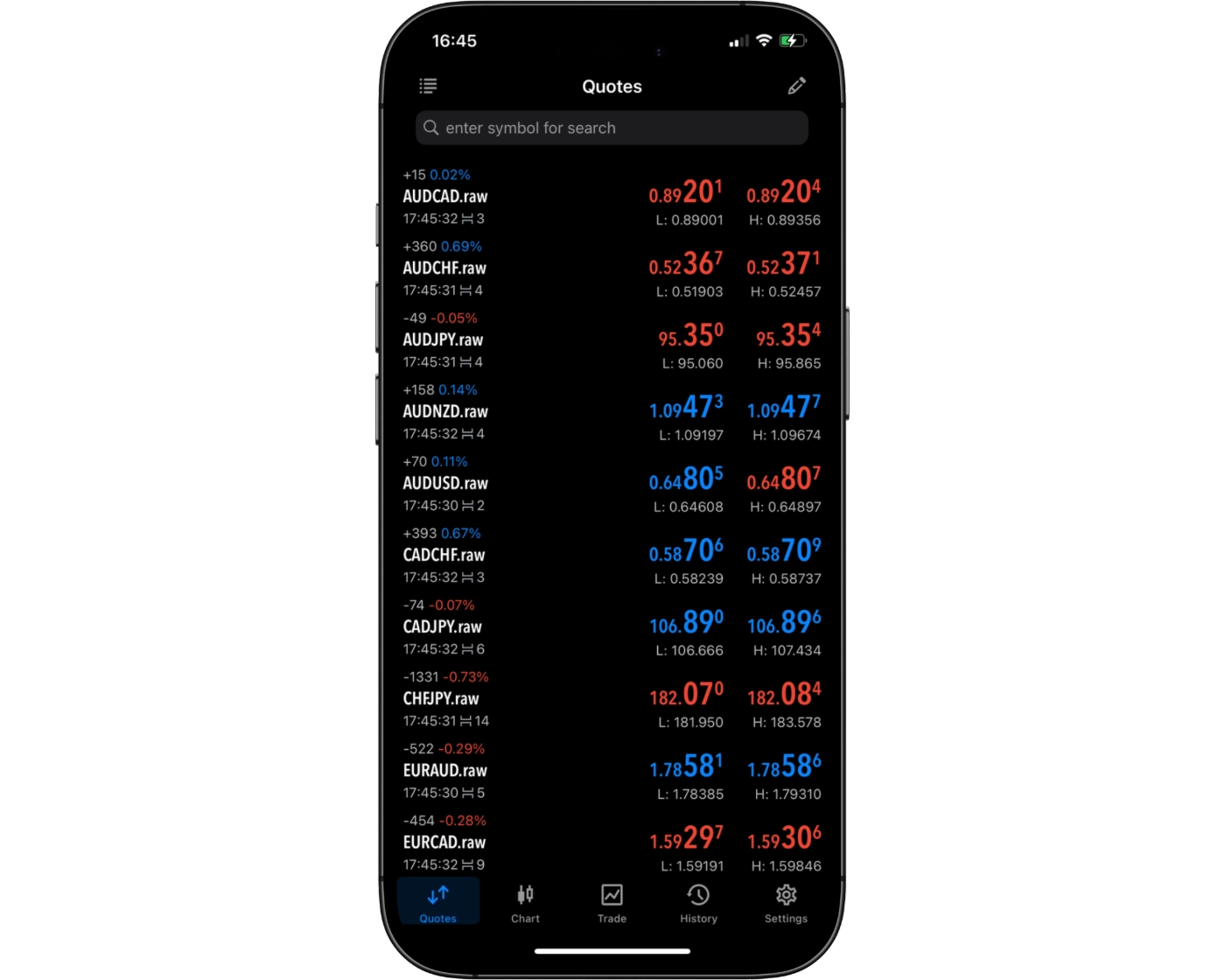
The MT4 mobile app on Forex.com features a powerful and intuitive search function, enabling traders to quickly find the instruments or tools they need. Users can type the name of a specific asset into the search bar or navigate through well-organized category folders to explore all available options. This combination of direct search and structured browsing ensures fast, efficient access to relevant trading assets, enhancing usability and streamlining the overall mobile trading experience.
Placing orders
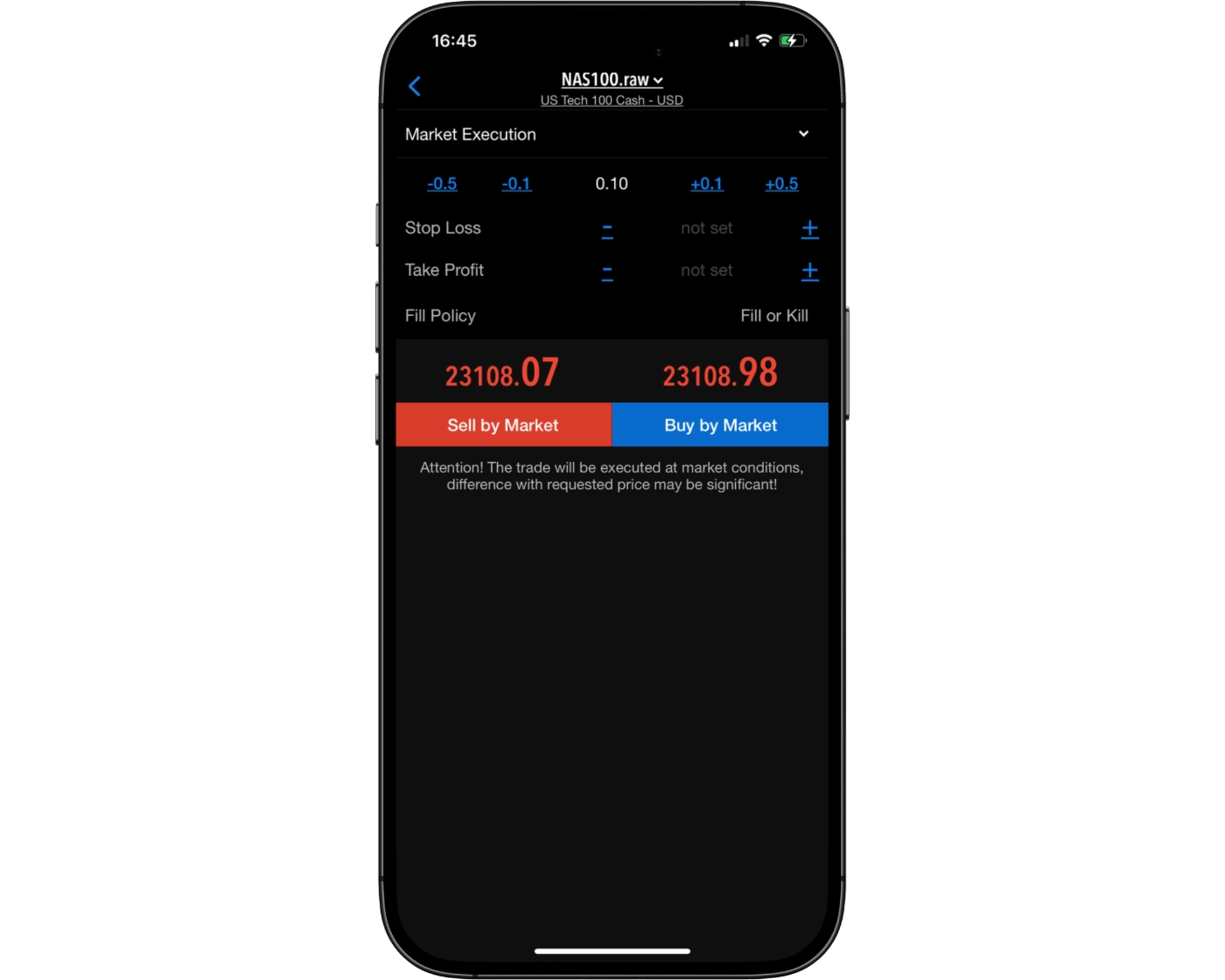
The MT4 mobile app on Forex.com offers a versatile order placement system designed to support a wide range of trading strategies. Traders can execute market orders for immediate entry, set limit orders to enter at precise price levels, and use stop-loss orders to manage risk and safeguard positions.
To enhance flexibility, the platform also includes customizable order time settings:
Good ‘til Canceled (GTC): Orders remain active until manually canceled.
Good ‘til Time (GTT): Orders automatically expire after a predetermined period.
This combination of order types and time controls ensures traders can execute strategies with precision and confidence, whether actively managing trades on the go or monitoring positions from their mobile device.
Alerts and notifications
Currently, the MT4 mobile app on Forex.com does not include alerts or push notifications, a functionality reserved for the desktop platform. These features are crucial for staying informed about market movements and executing trades at optimal moments.
While mobile users can monitor positions and track market activity in real time, the absence of instant trade alerts means that the desktop version remains the preferred option for traders who rely on timely notifications. Integrating alert capabilities into the mobile app would significantly improve the overall trading experience, offering both convenience and enhanced responsiveness for active traders.
MetaTrader 4: Key Takeaways
MT4 Desktop Platform
The MetaTrader 4 (MT4) desktop platform on Forex.com delivers reliable and swift order execution, making it a solid choice for traders who value speed and efficiency. While its interface may appear dated compared to more contemporary trading platforms, it remains robust for executing trades and managing positions. Charting tools are practical but somewhat rigid, which can limit flexibility for traders performing multi-timeframe analysis or advanced technical studies. Despite this, MT4’s desktop environment provides a dependable foundation for both manual and algorithmic trading strategies.
MT4 Mobile App
The MT4 mobile application offers traders the convenience of managing trades anywhere, anytime, directly from their smartphone or tablet. It allows for quick position adjustments, order execution, and risk management on the go, which is particularly valuable during volatile market conditions. While the mobile app excels in speed and accessibility, it is less suited for detailed charting or in-depth technical analysis, tasks that are better performed on the desktop platform.
Forex.com Web Trader

Forex.com Web Trader Intro
Traders can fully personalize the Forex.com Web Trader interface by selecting and arranging key components to match their trading style and workflow. This flexible workspace design is especially useful for active traders who rely on speed, clarity, and real-time data.
Custom watchlists allow traders to monitor their preferred instruments from a single dashboard, while advanced TradingView-powered charts provide professional-grade technical analysis with smooth performance and clear visuals. To stay informed, traders can enable a live Reuters-driven newsfeed, complemented by in-house news and market analysis from the Forex.com research team, delivering timely context around major market moves.
The platform also includes robust trade management features, such as clear views of open positions, pending orders, and a detailed position history for reviewing past performance. Built-in price alerts notify traders instantly when selected price levels are reached, reducing the need for constant monitoring. For additional insight, integrated Trading Central analysis delivers trade ideas and market commentary from a respected third-party research provider.
Forex.com’s Web Trader supports multiple customizable workspaces, which can be switched quickly using tabs – ideal for separating strategies, asset classes, or timeframes. Active traders can also enable 1-click trading, allowing for faster execution and more efficient entry and exit during volatile market conditions.
Overall, the Forex.com Web Trader stands out for its flexibility, depth of analysis, and execution-focused design, making it well suited for traders who value customization, real-time information, and performance-driven tools.
Pros:
- Clear fee report
- Good customizability (for charts, workspace)
- Good variety of order types
Cons:
- While feature-rich, the learning curve can be steeper for beginners
Forex.com Web Trader Charts
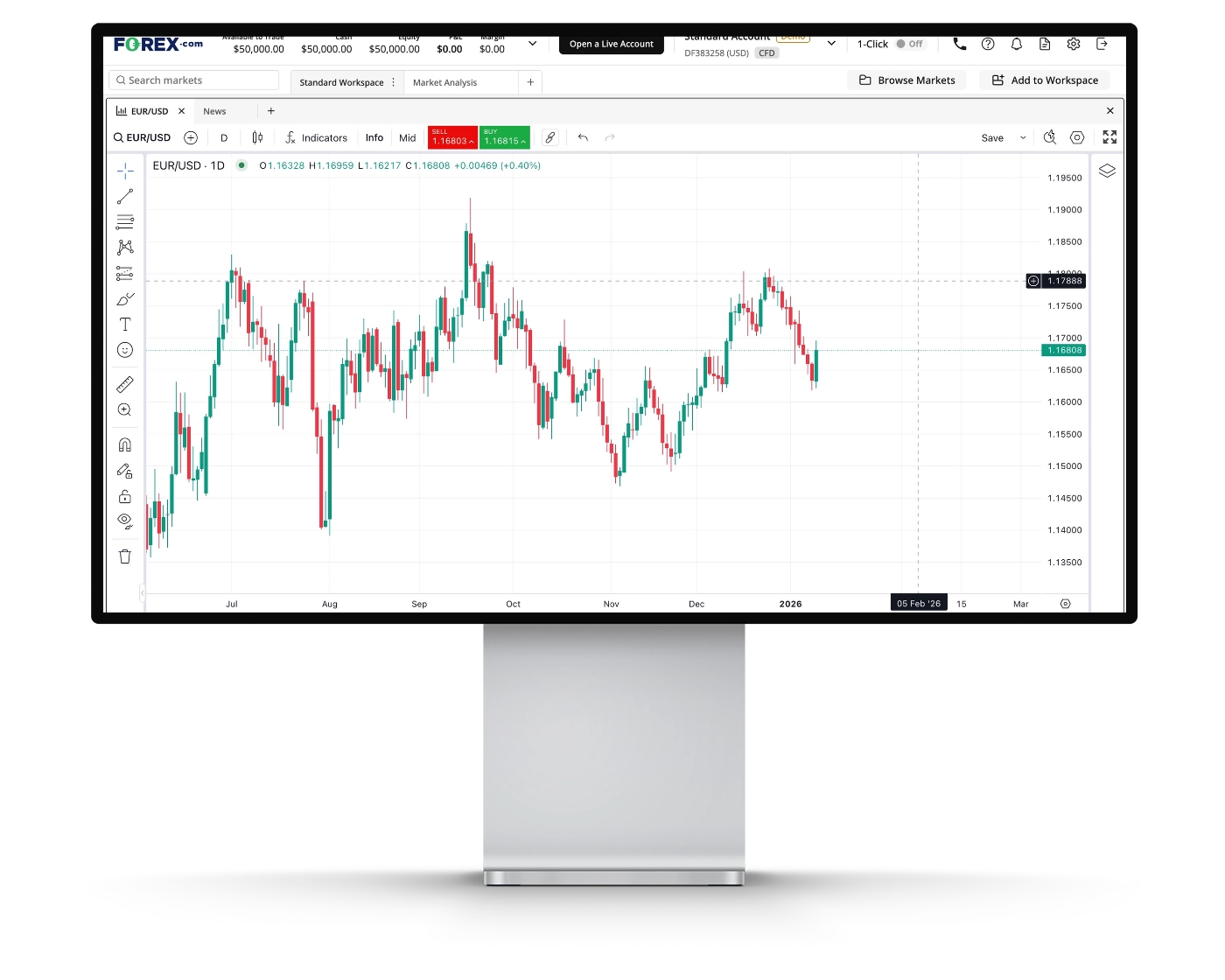
Forex.com’s Web Trader platform features advanced TradingView-powered charts, giving traders access to professional-grade technical analysis tools directly within the platform. Key charting features include:
Trading directly from the chart – Open, modify, and close positions straight from the chart interface for faster execution.
88 technical indicators – A comprehensive range of indicators, from Accumulative Swing Index to Zig Zag, covering trend, momentum, volatility, and volume analysis.
32 drawing tools – Including Fibonacci retracements, Pitchforks, and other pattern-mapping tools to identify key price levels and market structure.
14 timeframes – Time intervals ranging from 1-minute charts to monthly views, supporting both short-term and long-term analysis.
11 chart types – Multiple visualization options, from Japanese candlesticks to Renko charts, allowing traders to analyze price action from different perspectives.
This setup makes Forex.com’s charting environment well suited for active traders and technical analysts who rely on flexible, data-rich charts to refine their trading decisions.
Forex.com Web Trader Orders
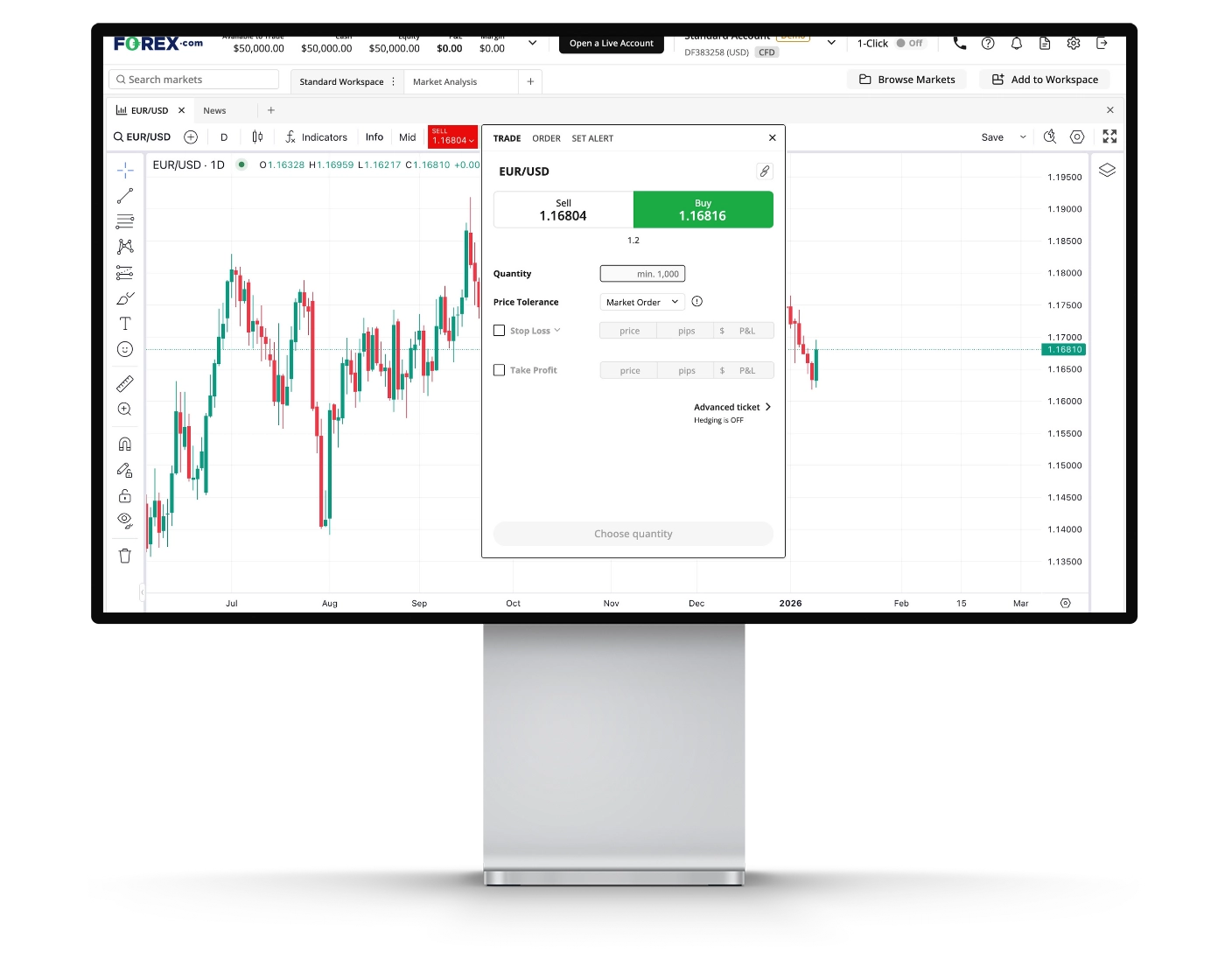
Forex.com supports a full range of essential and advanced order types, giving traders precise control over trade execution and risk management. Standard options such as market, limit, and stop-loss orders are available, along with flexible time-in-force settings like Good ’Til Canceled (GTC) for pending orders.
For traders who require more dynamic protection, the platform also offers trailing stop orders, which automatically adjust as the market moves in your favor. In addition, guaranteed stop-loss orders provide an extra layer of security by ensuring positions are closed at the specified level, even during extreme volatility or unexpected “black swan” events. While guaranteed stops come with an added cost, they can be a valuable risk-management tool for traders who prioritize capital protection in fast-moving markets.
Forex.com Mobile App
Pros:
- User-friendly
- Good search function
- Good variety of order types
Cons:
- No two-step (safer) login
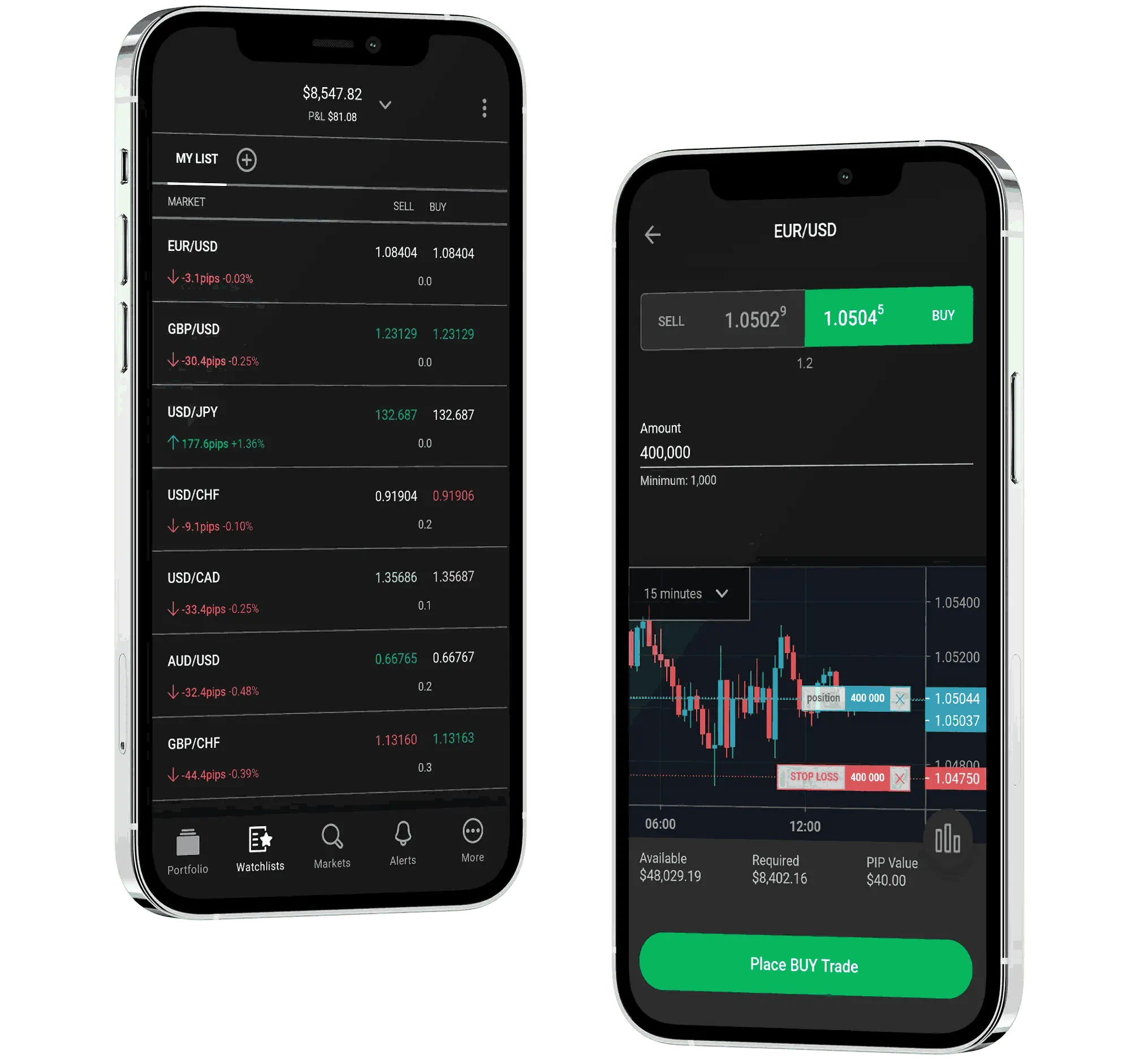
Forex.com’s mobile trading app delivers a clean, modern interface that’s easy to navigate, even for first-time users. Core features are logically laid out, making it simple to place trades, monitor positions, and scan the markets without friction. The in-app search functionality stands out, allowing traders to quickly locate instruments and move between markets efficiently. While the overall user experience is smooth and well-designed, the absence of two-step login authentication may be a consideration for traders who prioritize enhanced account security. That said, the platform remains a strong option for those seeking a fast, intuitive mobile trading experience backed by reliable execution and market access.
Look and Feel
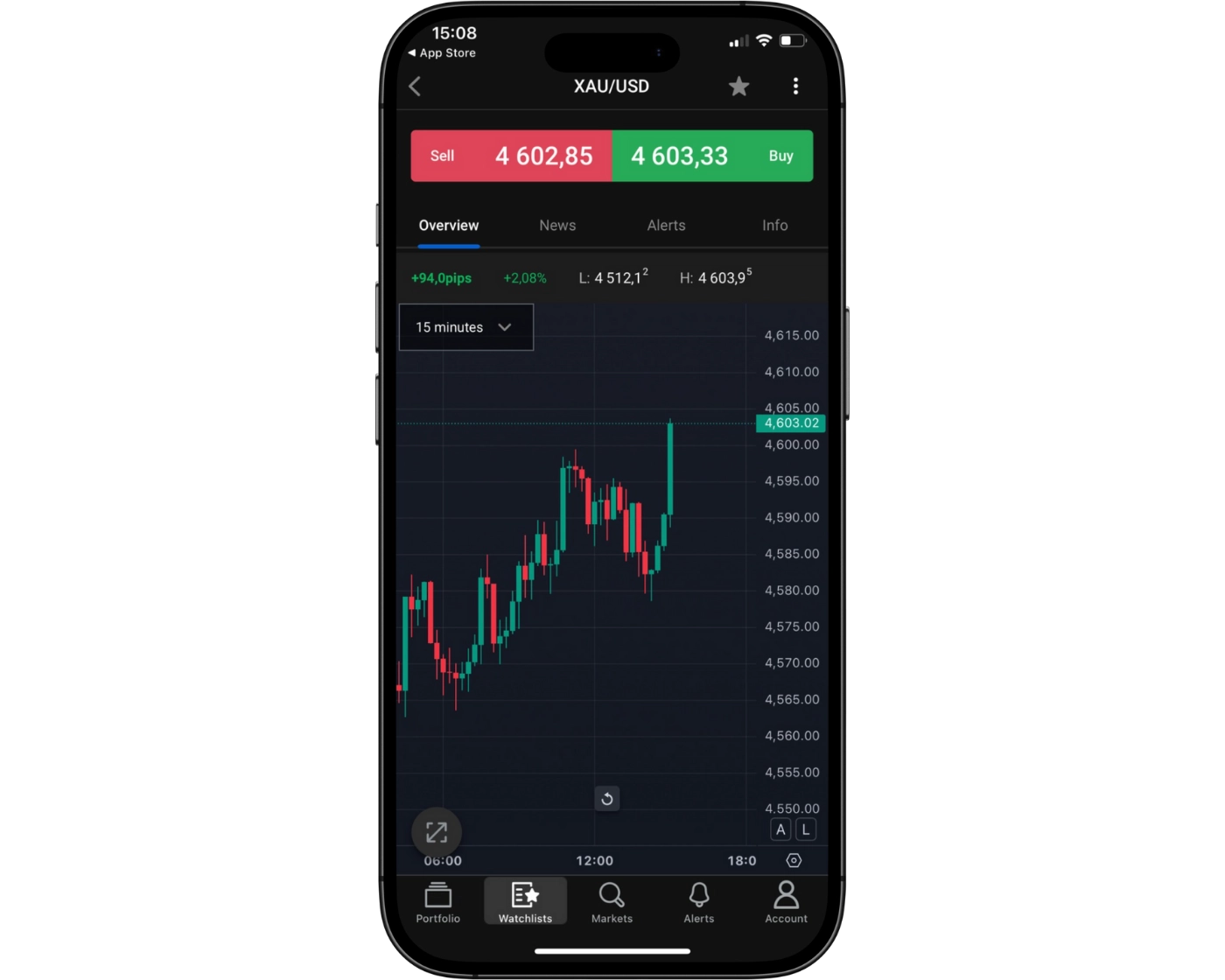
User-Friendly Design: The Forex.com mobile trading app features a clean, intuitive layout that makes navigation straightforward for both beginner and experienced traders. Key functions are easy to access, supporting efficient on-the-go trading.
Performance Considerations: While the overall interface is polished, some features can be slow to load at times, which may slightly impact the trading experience during fast-moving market conditions.
TradingView Chart Integration: Advanced TradingView charts are built directly into the app, giving traders access to powerful technical analysis tools and interactive charting on mobile.
News and Market Analysis: Integrated news and analysis keep traders informed with relevant market updates and insights without leaving the platform.
Full Account Management: Users can manage their entire trading account from the app, including monitoring positions, handling funds, and adjusting settings, providing flexibility and control wherever they are.
Login and security
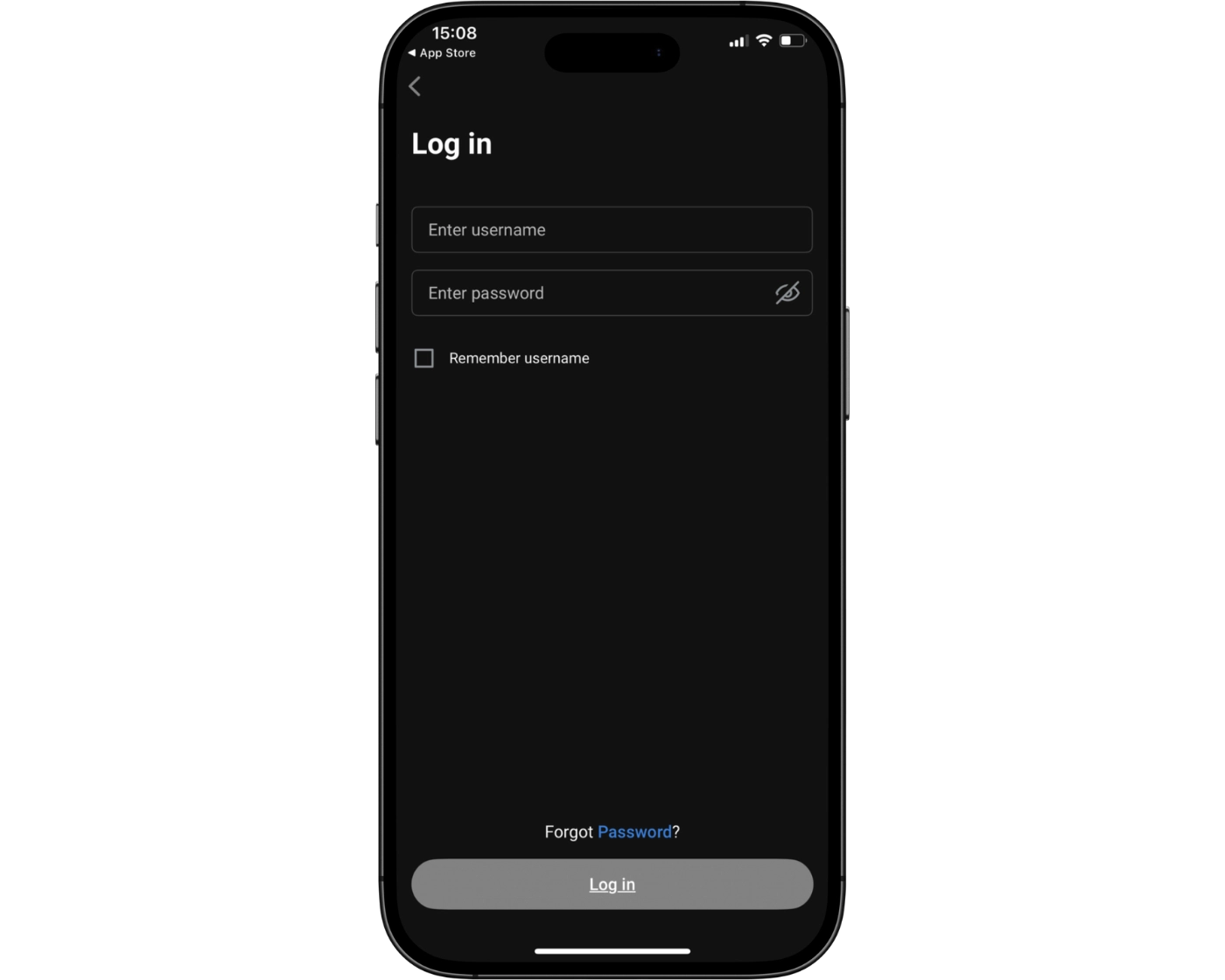
Single-Step Login: Forex.com currently uses a one-step login process on its mobile trading platform. While functional, the absence of two-step authentication means there is room to strengthen overall account security.
Biometric Authentication: Traders can log in using biometric security, such as fingerprint or facial recognition, adding a layer of convenience and helping protect accounts from unauthorized access.
Security Improvement Opportunity: Introducing two-step authentication would significantly enhance protection against unauthorized logins and aligns with best practices highlighted across trusted review platforms like Trade Wiki.
Search functions
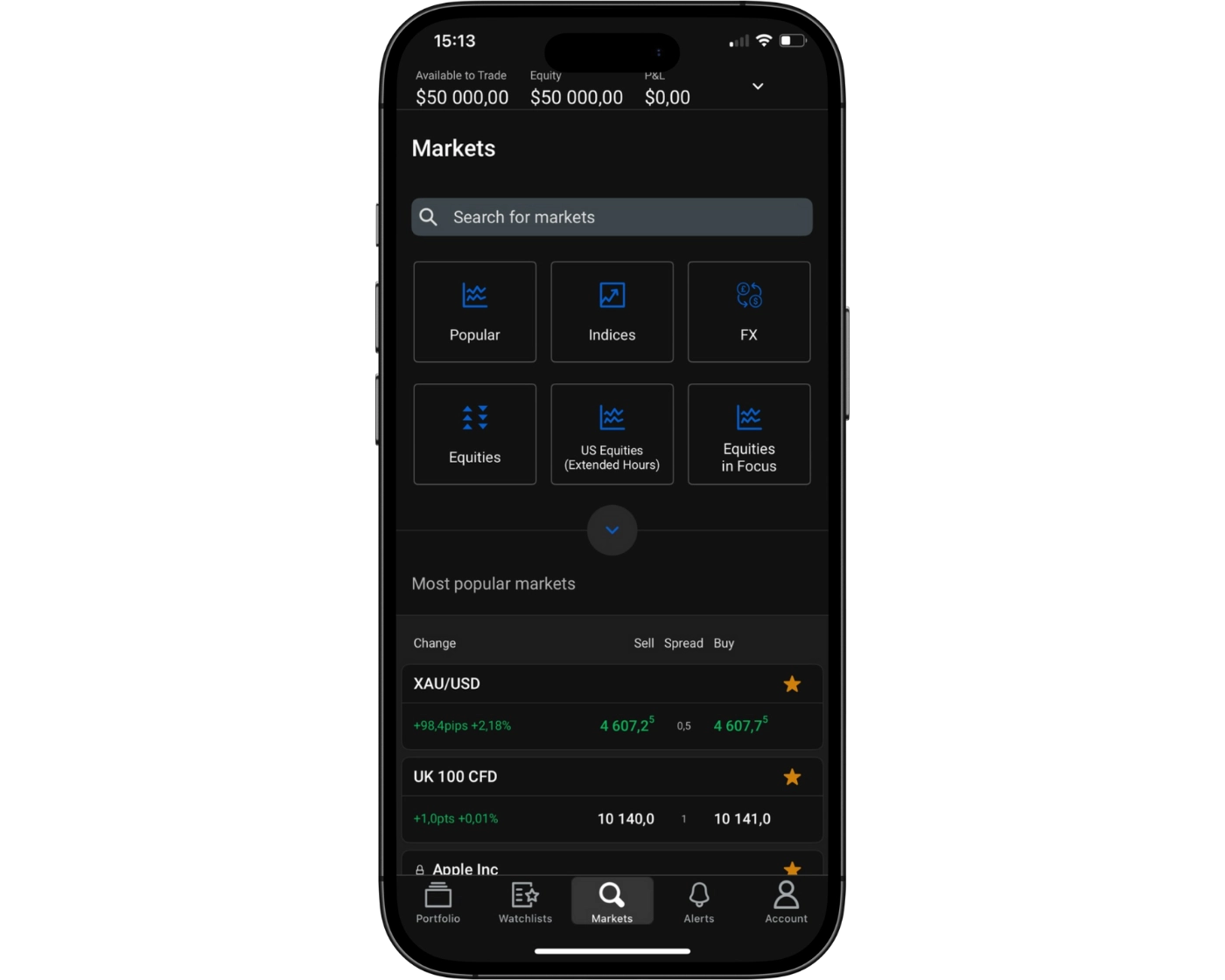
Forex.com’s platform offers a straightforward and efficient search capability, designed to help traders quickly locate the assets they want to monitor or trade. Users can enter the name of a specific instrument directly into the search bar, allowing for instant access to relevant charts, pricing, and account options.
For traders exploring broader opportunities, the platform also supports browsing by product categories, making it simple to discover forex pairs, commodities, indices, and cryptocurrencies. This combination of direct search and category navigation ensures that both novice and experienced traders can efficiently find the instruments they need to execute informed trading decisions.
The search tools are integrated seamlessly into both the desktop and mobile platforms, providing consistent functionality across devices and supporting smooth workflow management for active traders.
Placing orders
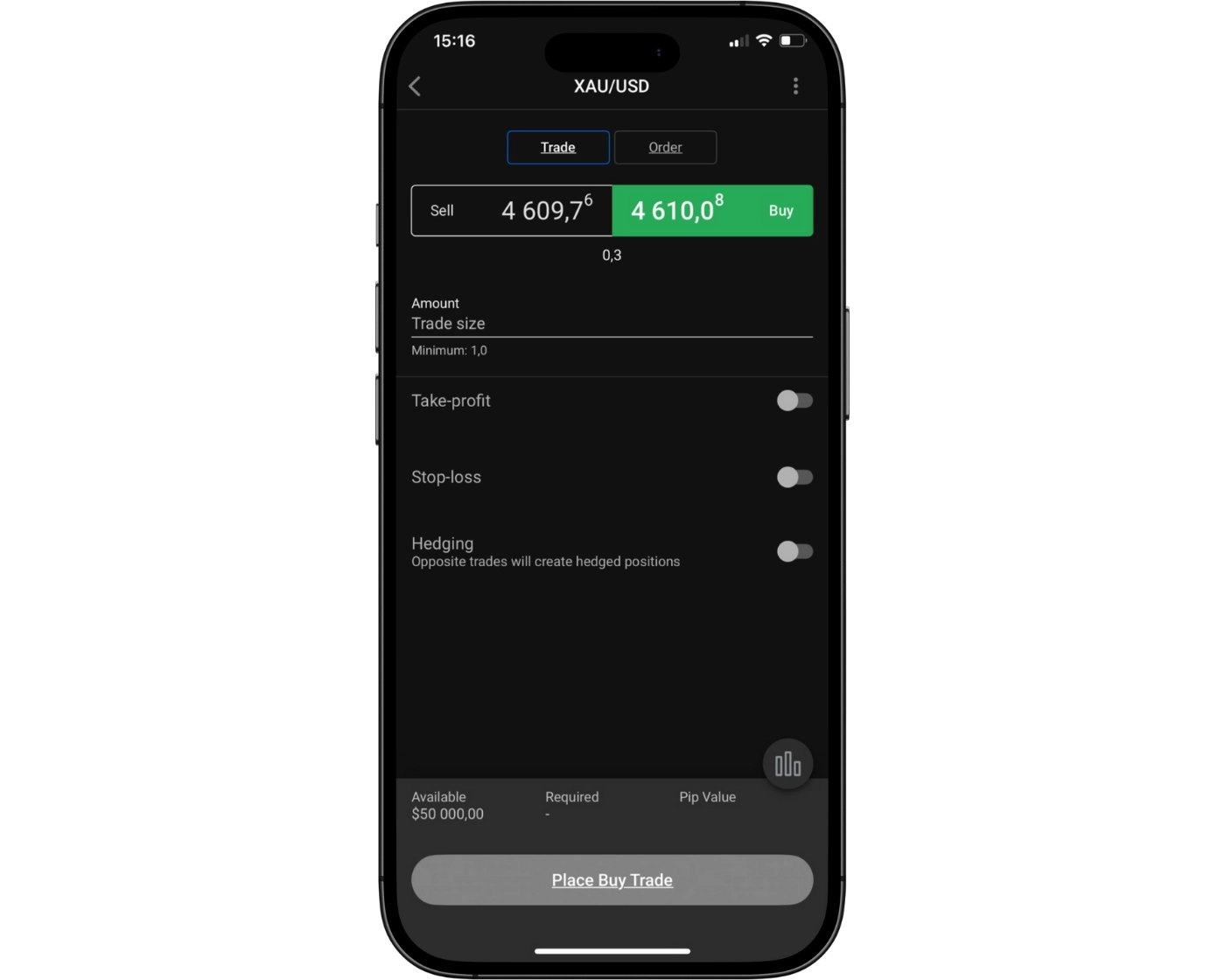
Forex.com’s mobile platform offers a variety of order types and time conditions, giving traders flexibility and control to execute trades efficiently in any market scenario.
Market Orders – Execute trades instantly at the current market price, ideal for traders looking for quick entries or exits.
Limit Orders – Set your desired entry or exit price, ensuring you only trade when the market reaches your target.
Stop Orders – Trigger trades once a specified price level is hit, useful for both entering and exiting positions.
Trailing Stop Orders – Automatically adjust your stop level as the market moves in your favor, helping to lock in profits.
OCO (One Cancels the Other) – Place two linked orders simultaneously, where executing one cancels the other, offering flexible trade management.
Order Time Conditions
Good Till Canceled (GTC) – Keep your pending orders active until you manually cancel them.
Good ‘Till Time (GTT) – Automatically expire your pending orders at a specified time if not executed.
These options allow Forex.com mobile users to manage trades effectively, adapt to changing markets, and implement precise strategies with confidence.
Alerts and notifications
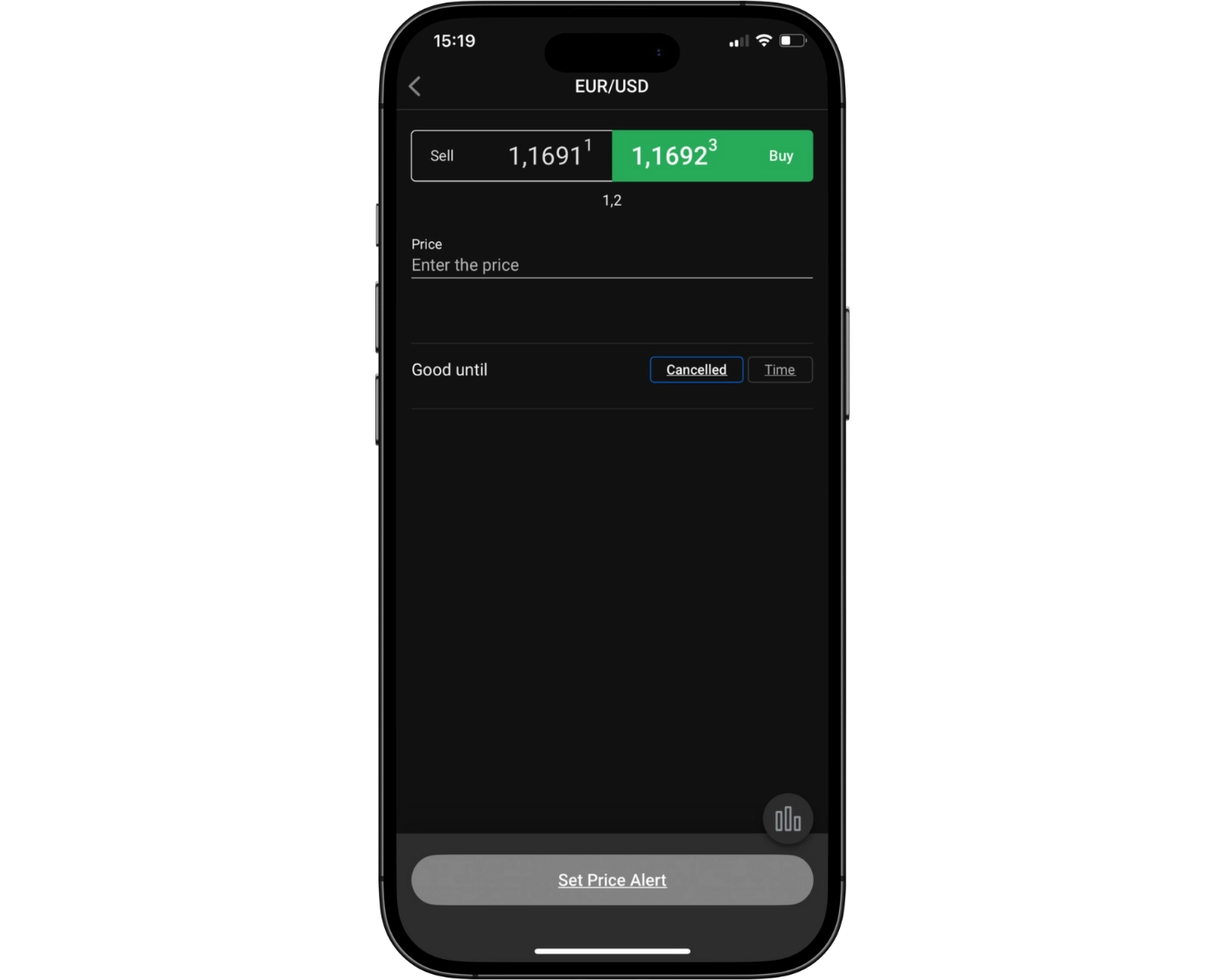
Forex.com’s mobile platform allows traders to set custom alerts and notifications, ensuring they stay informed of key market movements and price levels in real time. These alerts can be tailored to specific instruments, helping users react quickly to trading opportunities or manage risk more effectively. By providing timely updates directly on the mobile app, Forex.com enhances trading efficiency and keeps users connected to the markets at all times.
Forex.com Web Trader and Mobile App : Key Takeaways
User-Friendly Interface: The platform is intuitive and easy to navigate, suitable for both beginner and intermediate traders.
Advanced Tools: Features TradingView charts, multiple technical indicators, and drawing tools for detailed market analysis.
Customizable Workspace: Traders can set up watchlists, manage open and pending orders, and view position history efficiently.
Order Types: Supports market, limit, stop, trailing stop, and OCO orders, with time-in-force options like GTC and GTT.
Research Integration: Offers analysis from Trading Central and news updates, keeping traders informed.
Mobile App Key Takeaways
Accessibility: Traders can manage accounts, place trades, and monitor positions on the go.
Alerts & Notifications: Customizable alerts for price levels and market movements help manage trades effectively.
Charting & Analysis: Includes TradingView charts, integrated news, and research for informed decision-making.
Login & Security: Biometric login available, though two-step authentication is not yet implemented.
Convenience: Easy-to-use search function for assets and categories enhances trading efficiency.
Forex.com Tradable Instruments Overview
Forex.com stands out for its extensive selection of tradable instruments, providing one of the broadest offerings among CFD and forex brokers. The range of products available depends on your geographic location and the specific regulatory entity that manages your account.
- Forex and Currency Pairs: Clients have access to an impressive number of currency pairs, with over 80 FX pairs available to traders in the U.S., and an even larger selection for international users. This extensive coverage enables traders to implement diverse strategies, from basic currency trades to advanced multi-pair techniques.
- CFDs and Commodities: For traders outside the U.S., Forex.com offers more than 4,500 CFDs, including commodities, metals, stock indices, and ETFs. Spot metals such as gold and silver are available to most global clients, while U.S.-based traders face restrictions. Additionally, knock-out options are accessible in select regions including Japan, Singapore, and Australia, offering more advanced trading opportunities.
- Cryptocurrency CFDs: Cryptocurrency trading is available through CFDs, allowing traders to speculate on digital assets like Bitcoin without holding the underlying coins. However, crypto CFDs are restricted for U.K. retail clients in compliance with FCA regulations, and the sale of crypto-derivatives to U.K. retail consumers has been prohibited since January 6, 2021.
- Regional Considerations: The exact instruments available vary by location and regulatory oversight. U.S. residents cannot trade CFDs due to regulatory restrictions, while other regions enjoy a wider variety of products. This ensures compliance while still offering competitive trading opportunities across forex, CFDs, and crypto derivatives.
With a wide selection of currency pairs, CFDs, and cryptocurrency products, Forex.com caters to both beginner and professional traders worldwide. Its diverse offerings, combined with region-specific compliance, make it a flexible and reliable platform for global trading.
| Tradable Instruments | Forex.com |
|---|---|
| Currency Pairs | 84 |
| Commodity CFDs | 26 |
| Global Stock CFDs | 5,500 |
| Index CFDs | 38 |
| Cryptocurrency CFDs | 12 |
| ETF CFDs | 26 |
What Are CFDs and How to Trade Them
Contracts for Difference (CFDs) are versatile financial instruments that allow traders to speculate on the price movements of various assets – such as gold, stocks, indices, or cryptocurrencies – without actually owning the underlying asset.
For example, taking a long position on gold means you profit if the price rises, while a decline results in a corresponding loss, all without purchasing the physical commodity. This mechanism provides traders with the ability to respond quickly to market changes, capturing opportunities in both rising and falling markets.
The primary advantage of CFDs lies in their flexibility and efficiency. Traders can enter and exit positions swiftly, making them ideal for short-term strategies like day trading and scalping. At the same time, CFDs offer opportunities for portfolio diversification, allowing more advanced traders to balance risk across multiple markets.
By leveraging CFDs through Forex.com, traders gain access to a broad spectrum of global markets, enabling strategic decision-making and effective risk management – all within a streamlined and professional trading environment.
Forex.com Instruments: Key Takeaways
Forex.com offers a notably extensive selection of tradable instruments, standing out as a top choice for traders seeking variety and flexibility. The platform provides access to a wide array of assets, including forex pairs, commodities, indices, cryptocurrencies, and CFDs, making it well above the industry average in terms of range.
This diverse instrument offering allows both beginner and experienced traders to implement a variety of trading strategies, from short-term scalping to long-term portfolio diversification. By combining breadth of choice with robust execution tools, Forex.com ensures traders have the flexibility and resources to capitalize on global market opportunities efficiently.
| Tradable Instruments Summary | Forex.com |
|---|---|
| Forex Trading (Spot or CFDs) | Yes |
| Tradeable Symbols (Total) | 5500+ |
| Forex Pairs (Total) | 84 |
| Cryptocurrency (Derivative) | Yes |
| Social Trading / Copy Trading | No |
| U.S. Stock Trading (Non CFD) | No |
| Int’l Stock Trading (Non CFD) | No |
| Cryptocurrency (Physical) | No |
What is CFD Leverage?
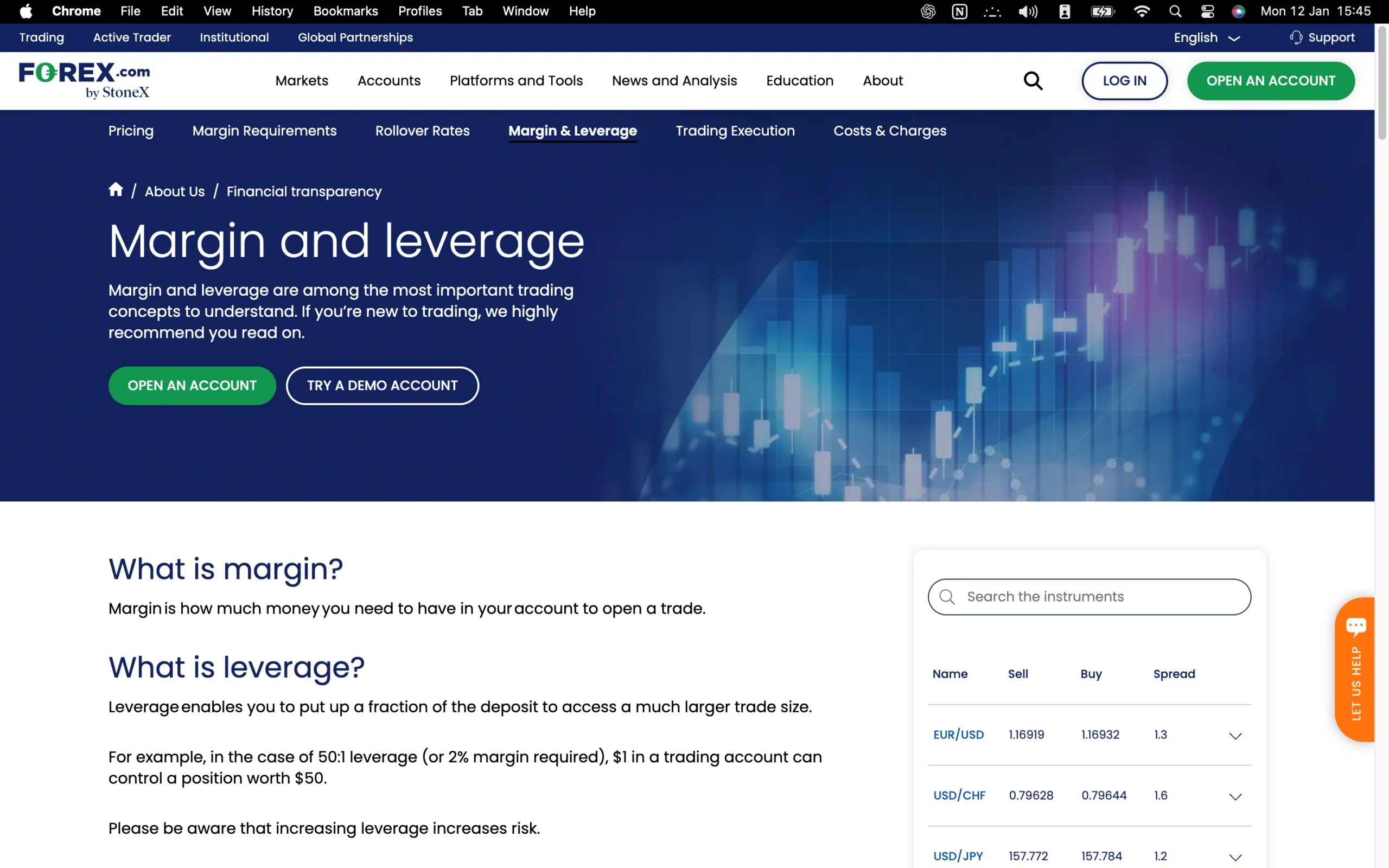
CFD leverage is a financial tool that allows traders to control larger market positions while committing only a fraction of the total trade value. When trading Contracts for Difference (CFDs) on Forex.com, leverage lets you open positions that exceed your actual account balance, as the broker provides the additional funds necessary to increase market exposure.
The primary benefit of leverage is its ability to amplify potential profits, offering the opportunity to generate higher returns from smaller capital investments. However, it is crucial to understand that leverage also increases potential losses, making prudent risk management and careful position sizing essential for successful trading.
By using CFD leverage responsibly, traders on Forex.com can efficiently maximize market opportunities while maintaining control over risk exposure, creating a powerful strategy for both short-term trading and broader portfolio management.
Forex.com Leverage
Leverage is a key factor that draws traders to the forex and CFD markets, allowing them to amplify the size of their trading positions beyond the capital available in their accounts. By using borrowed funds, traders can increase market exposure, potentially enhancing profits – but it also increases the risk of losses.
On a standard Forex.com account, the maximum leverage available is 1:30. This means that with a deposit of $1,000, traders can control positions valued up to $30,000 in the market. For more experienced investors, Forex.com offers a professional account option with higher leverage. Professional accounts can access up to 1:400 leverage, enabling control of positions up to $400,000 with the same $1,000 deposit. Eligibility for a professional account requires a financial portfolio exceeding €500,000 along with relevant trading experience.
Leverage is often called a “double-edged sword” because while it can magnify profits, it can also significantly increase losses. Traders should approach leveraged trading with careful risk management, using tools like stop-loss orders and prudent position sizing to safeguard capital while taking advantage of market opportunities.
With the right strategy, leverage on Forex.com can be a powerful tool for both seasoned and aspiring traders looking to maximize returns while managing risk effectively.
| Account Type | Standard | Raw Pricing | DMA Account |
|---|---|---|---|
| Min. Deposit | $100 | $100 | $25,000 |
| Pricing Model | No commission, wider spreads. | Very tight spreads plus commission. | Direct market access + tiered commissions. |
| Ideal For | Beginners and casual traders looking for simplicity. | Frequent traders wanting low-cost execution. | High volume or professional traders needing raw liquidity. |
Introduction to Forex.com Account Options
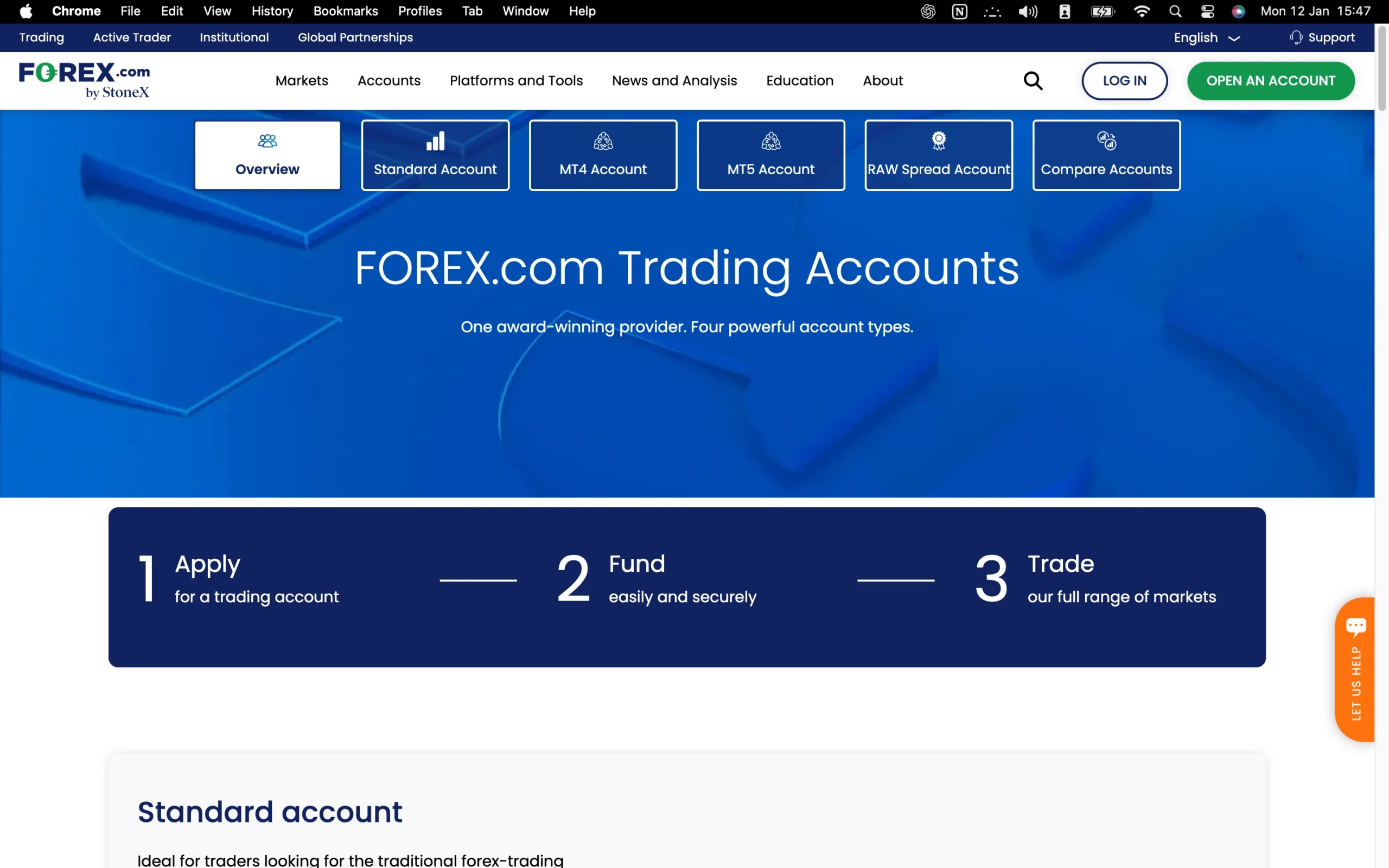
Forex.com provides a versatile range of account types to accommodate diverse trading preferences and experience levels. For U.S.-based clients, the platform offers Spread-Only and RAW Pricing accounts, delivering transparent cost structures suitable for both casual and active traders. International clients can also access additional options, including the Standard Account, MT4 Account, and DMA Account, with the DMA account offering tighter spreads for traders seeking maximum market efficiency.
In terms of account ownership, Forex.com ensures flexibility:
Individual Account – Managed by a single trader.
Joint Account – Shared ownership for two or more traders, ideal for collaborative strategies.
Corporate Account – Held by a legal entity, tailored for businesses or institutional trading.
This comprehensive setup allows traders to select both the account type and ownership model that best aligns with their trading goals, all while leveraging Forex.com’s robust platforms and competitive pricing.
Forex.com Standard Account
| Account Type | Standard Account |
|---|---|
| Min. Deposit | $100 |
| Pricing Model | No commission, wider spreads. |
| Ideal For | Beginners and casual traders looking for simplicity. |
Ideal for traders looking for the traditional trading experience, Forex.com standard account offers competitive spreads, advanced trading platforms, and all available markets.
Forex.com Raw Pricing Account
| Account Type | Raw Account |
|---|---|
| Min. Deposit | $100 |
| Pricing Model | No commission, wider spreads. |
| Ideal For | Beginners and casual traders looking for simplicity. |
For traders looking to access truly tight spreads – FX majors as low as 0.0 – with low commissions.
Forex.com Demo Account: Practice Trading Risk-Free
Forex.com offers a free 30-day demo account, providing a safe environment for traders to practice and refine their strategies without putting real capital at risk. This fully functional demo mirrors live market conditions, allowing users to test order execution, explore trading tools, and gain confidence in using Forex.com’s platforms before transitioning to a live account.
By leveraging the demo account, both beginners and experienced traders can develop skills, experiment with different trading approaches, and build familiarity with market dynamics – all in a risk-free setting.
Forex.com Islamic Account: Swap-Free Trading Options
Forex.com provides a swap-free Islamic account specifically designed to comply with Sharia law. This account type eliminates overnight interest charges (swaps), ensuring that trading remains fully compliant with Islamic principles.
Ideal for traders seeking ethical, faith-aligned investment options, the Islamic account allows users to participate in forex and CFD trading without compromising their religious beliefs, while still enjoying the full suite of Forex.com’s platforms and trading tools.
Forex.com Restricted Countries
Forex.com welcomes traders from most regions around the world, offering broad international access to its trading platforms. However, some countries are restricted due to regulatory or legal requirements. Residents of Belgium, France, and the Czech Republic are not eligible to open accounts. Additionally, Forex.com does not accept clients from FATF-listed countries, including North Korea and Iran.
This ensures compliance with international financial regulations while maintaining a secure and legally compliant trading environment for all eligible users.
Pros:
- User-friendly
- Low minimum deposit for forex accounts
- Fully digital
Cons:
- Relatively slow account verification
Step-by-Step Forex.com Account Opening Process
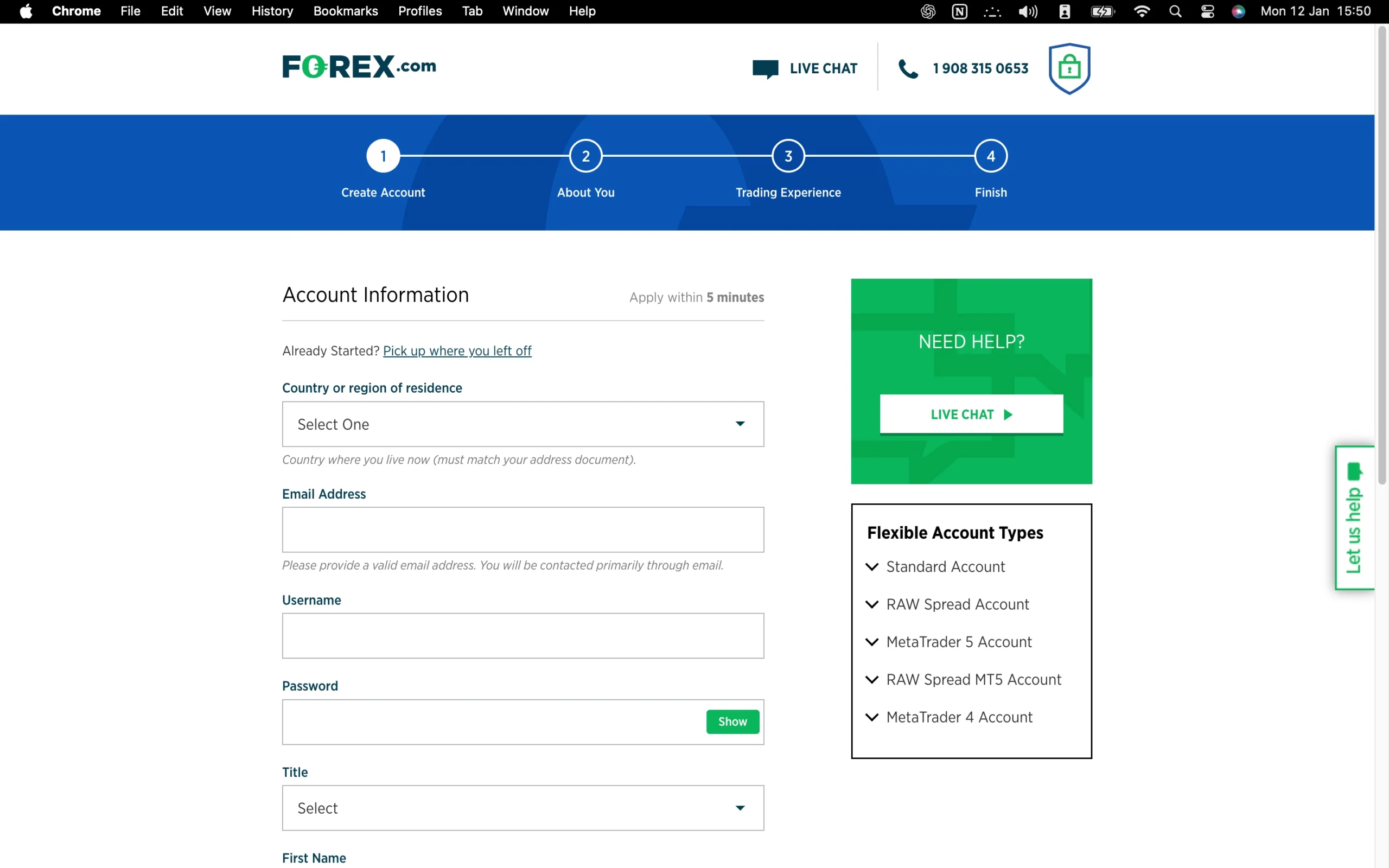
Forex.com offers a simple, fully digital account registration process that can be completed in just 10–15 minutes. Verification of your account typically takes around 2 business days, slightly longer than some other brokers, but still efficient for most traders.
Opening a Forex.com account involves four straightforward steps:
Select Your Trading Platform – Decide whether to trade using Forex.com’s proprietary platform or the popular MetaTrader 4 (MT4) third-party platform.
Provide Personal and Financial Details – Complete the online forms with your personal information, financial status, and trading preferences.
Answer Financial Knowledge Questions – A few questions help assess your trading experience and understanding of financial markets.
Verify Identity and Residency – Upload valid documents for verification. Acceptable forms of ID include a national ID card, passport, or driver’s license. Proof of residency can be provided via utility bills or bank statements.
This streamlined process ensures quick access to Forex.com’s full suite of trading tools, allowing both new and experienced traders to start trading with confidence while meeting regulatory requirements.
What is the minimum deposit at Forex.com?
Forex.com sets a low minimum deposit of $100, making it accessible for both beginner and seasoned traders. Compared to other brokers that may require deposits of $2,000 or more, Forex.com provides an entry point that allows traders to start with a modest investment while still accessing the full range of trading instruments and features. This low threshold makes Forex.com an attractive option for those looking to enter the forex and CFD markets without committing large capital upfront.
Research Overview and Key Features
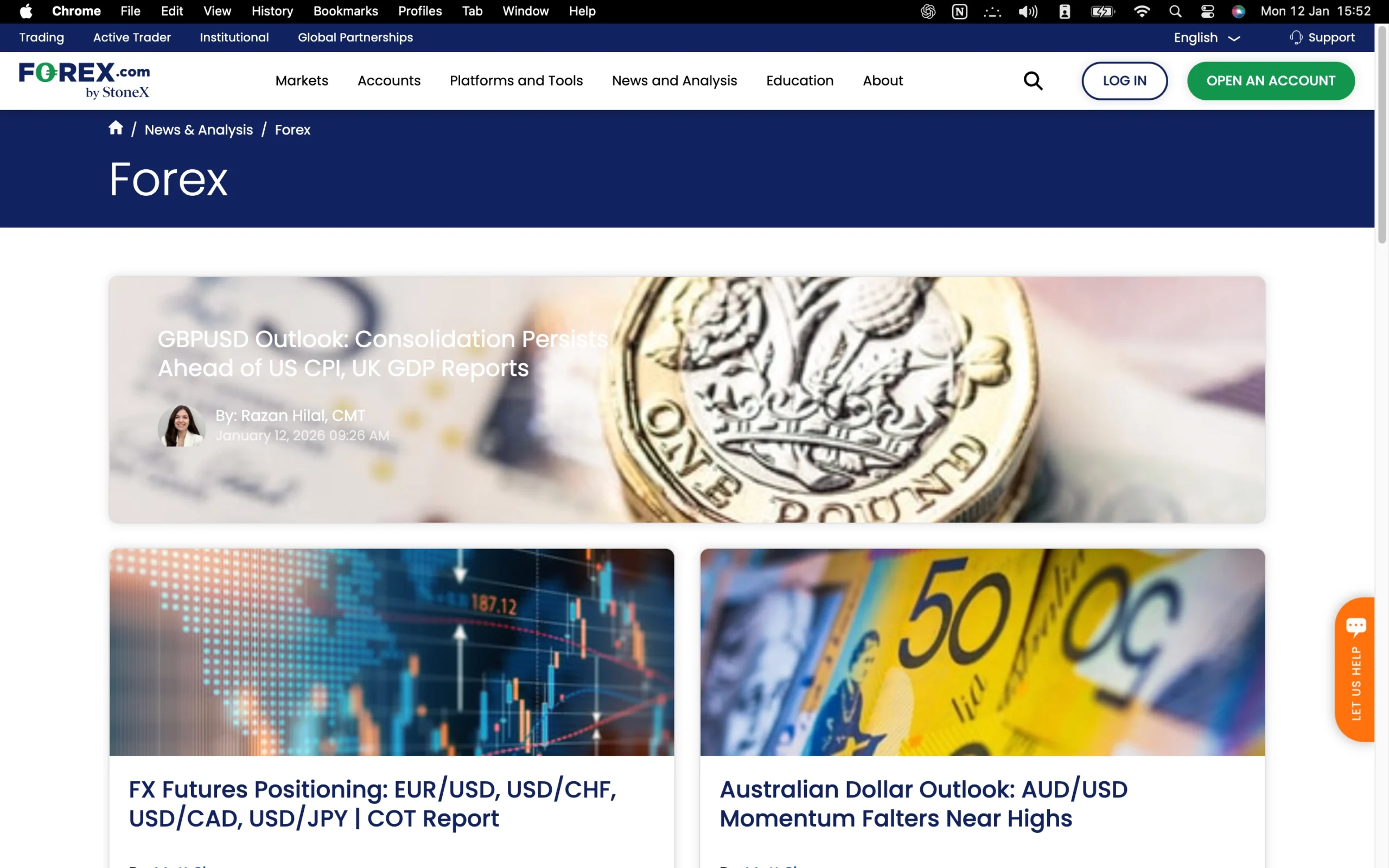
Forex.com offers a comprehensive suite of research tools and market insights designed to support traders at all experience levels. The broker’s in-house research team provides timely trade ideas, market analysis, and educational webinars, while award-winning third-party resources from Trading Central enhance the platform’s research capabilities.
Fundamental and Technical Analysis
Coverage focuses on major news events and market trends, blending fundamental insights with technical observations, including key support and resistance levels and chart patterns. The weekly Week Ahead report keeps traders informed of upcoming economic events and potential market impacts, providing actionable intelligence for strategic planning.
Trading Central Integration
Within Forex.com’s Web Trader platform, Trading Central delivers three core modules:
Technical Insight: Offers practical technical analysis, educational guidance, and customizable alerts.
Market Buzz: Highlights market-driving factors through clear data visualizations.
Analyst Views: Combines proprietary pattern recognition with expert analysis from senior market analysts.
Centralized Platform Access
Research content is seamlessly integrated across Forex.com’s platforms, including the Web Trading platform and the desktop Advanced Trading app, making it easy to access articles, reports, and video content in one place.
Market News and Daily Updates
Forex.com provides a rich mix of daily articles and blog posts covering various markets and sectors, supported by automated pattern recognition and third-party insights. Headlines stream from Reuters, and Trading Central-powered economic calendars are embedded across the platform for real-time market awareness.
Video Analysis
Forex.com continually expands its video offerings, including daily market briefings and weekly videos on its YouTube channel, providing visual insights that complement written analysis and help traders make informed decisions.
Key Takeaways for Traders Using Forex.com Research
Forex.com delivers a robust research offering that combines in-house expertise with award-winning third-party insights from Trading Central. Traders benefit from a mix of fundamental and technical analysis, real-time market news, and actionable trade ideas. The platform integrates tools like Technical Insight, Market Buzz, and Analyst Views directly into its Web Trader and Advanced Trading apps, ensuring easy access across devices. Weekly reports such as Week Ahead, daily articles, and video content provide comprehensive coverage of market trends, economic events, and sector-specific updates. Overall, Forex.com’s research tools are well-organized, insightful, and designed to help traders make informed, confident decisions.
| Research Summary | Forex.com |
|---|---|
| Trading Central (Recognia) | Yes |
| Autochartist | No |
| Daily Market Commentary | Yes |
| Social Sentiment - Currency Pairs | Yes |
| Forex News (Top-Tier Sources) | Yes |
Education Overview: Guides, Webinars, and Courses
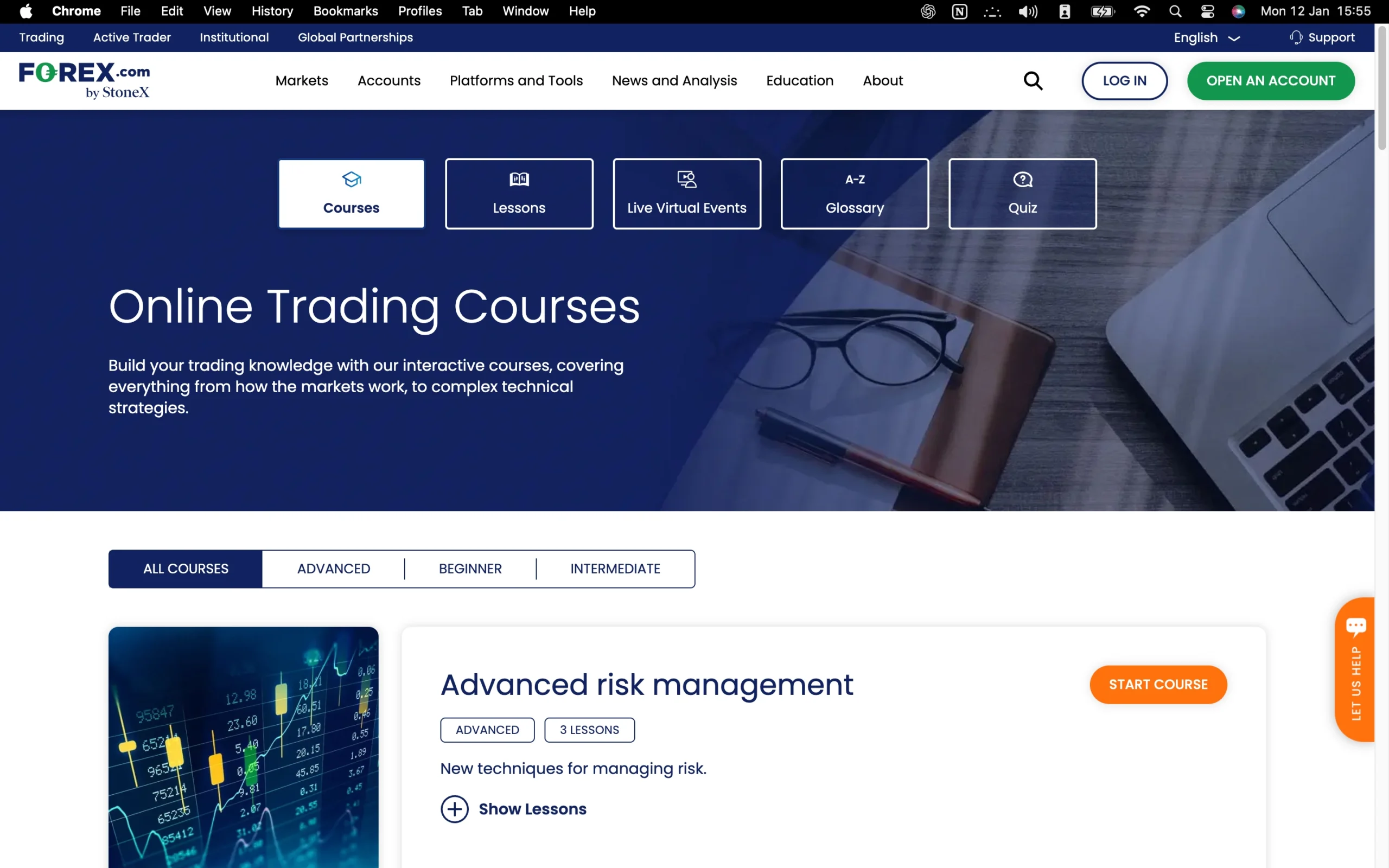
Forex.com offers a robust library of educational materials designed to support traders at every level. With nearly a hundred expertly written articles, the content is organized by skill level, covering essential topics from CFD trading fundamentals to advanced technical analysis techniques.
Interactive Trading Academy
The Trading Academy serves as an interactive learning hub, providing structured courses that combine text, video lessons, quizzes, and progress tracking. Courses are tailored for beginners, intermediate, and advanced traders, allowing users to build knowledge systematically and measure their learning progress effectively.
Video Tutorials and Platform Walkthroughs
Beyond written content, Forex.com provides a wide range of video tutorials and platform walkthroughs. These resources guide traders through the Web Trader platform, MetaTrader 4, and the mobile app, helping users navigate the platforms confidently and efficiently.
Live Webinars for Market Insights
Forex.com also hosts live webinars, offering in-depth analysis of market events and strategies. Topics cover real-time trading opportunities, including major events such as the Non-Farm Payrolls release, giving traders actionable insights directly from experts.
Empowering Traders with Knowledge
By combining high-quality articles, interactive courses, video tutorials, and live webinars, Forex.com’s educational suite is designed to enhance trading skills, build confidence, and equip traders with the tools needed to navigate global markets effectively.
Forex.com Education: Key Takeaways
Forex.com delivers a robust educational ecosystem suitable for traders at all levels. Its Trading Academy provides interactive courses with progress tracking, quizzes, and a mix of text and video lessons, covering everything from beginner fundamentals to advanced technical analysis. The platform also offers extensive written articles, video tutorials, and live webinars, ensuring multiple learning formats. Overall, Forex.com’s education resources are comprehensive, well-structured, and designed to help traders build skills, improve strategies, and gain confidence in the markets.
| Education Summary | Forex.com |
|---|---|
| Videos - Advanced Trading Videos | Yes |
| Client Webinars | Yes |
| Investor Dictionary (Glossary) | Yes |
| Videos - Beginner Trading Videos | Yes |
| Education (Forex or CFDs) | Yes |
| Client Webinars (Archived) | Yes |
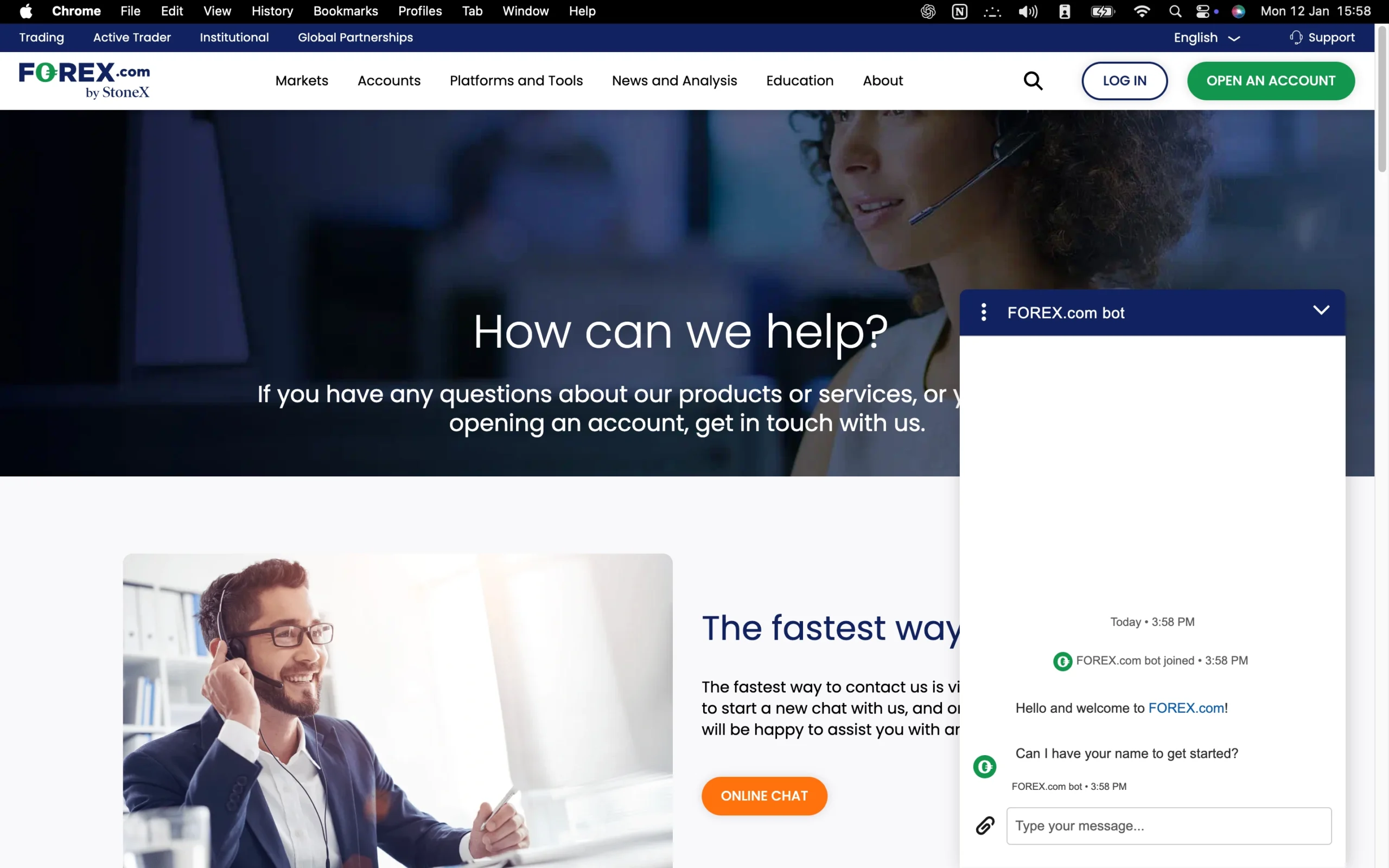
Customer Support Overview
FOREX.com provides reliable 24/5 customer support through live chat, phone, and email, ensuring traders have multiple ways to get assistance. Our tests showed that the platform delivers fast, thorough, and professional support across all channels, placing it above the industry average.
Live Chat Support:
The live chat feature begins with an AI-driven chatbot to handle basic inquiries. If the chatbot cannot resolve a question, users are seamlessly transferred to a live agent. During testing, wait times were minimal, and agents provided detailed, helpful answers to both standard and complex trading questions.
Phone Assistance:
Phone support includes an initial automated menu to route calls efficiently, but clients quickly reach knowledgeable operators. These agents are capable of answering intricate questions about trading rules and regulations across multiple countries, offering reassurance and clarity to global clients.
Email Support:
Email inquiries are handled promptly, often receiving detailed responses on the same day. Traders can rely on this channel for more complex or documentation-based requests, knowing their concerns will be addressed thoroughly.
Overall Assessment:
Combining fast response times, knowledgeable agents, and multiple support channels, FOREX.com demonstrates superior customer service compared with typical brokers. Traders can feel confident that assistance is readily available whenever needed, enhancing their overall trading experience.
Forex.com Customer Support Languages:
Chinese, Japanese, English, Spanish, Polish, Arabic, German, Russian, French
Forex.com Customer Support: Key Takeaways
24/5 Availability: Support is accessible via live chat, phone, and email throughout the trading week.
Live Chat Assistance: Starts with a chatbot for quick answers, escalating to responsive human agents for complex inquiries.
Phone Support: Operators handle detailed questions, including regulatory and platform-related issues.
Email Support: Fast, thorough replies, often delivered the same day for in-depth queries.
High Reliability: Overall support quality ranks above the industry average, ensuring traders have confidence in their trading decisions.
Final Thoughts on Forex.com
Forex.com stands out as a reliable and well-rounded forex broker, offering an extensive range of tradable instruments, versatile trading platforms, and advanced tools suitable for traders of all experience levels. Its integrated research resources, including in-house analysis and third-party insights from Trading Central, provide actionable market intelligence to support informed trading decisions. In 2024, Forex.com expanded its offerings with prediction markets via a partnership with Kalshi, allowing clients to speculate on economic and political events, such as the U.S. presidential election. Additionally, through its parent company, StoneX Group Inc., traders gain access to commission-free U.S. stock trading and futures, albeit requiring a separate account.
While the broker excels in stability, platform variety, and educational support, some areas could see improvement. Standard account spreads may not always be the most competitive – our testing showed an average spread exceeding five pips on GBP/JPY – and the Web Trader platform, though robust, could benefit from a more intuitive design for casual or beginner traders. Overall, Forex.com delivers a comprehensive and experienced trading environment, combining depth of features with trusted execution, making it a strong choice for both new and seasoned traders.
Forex.com FAQ
Does Forex.com allow hedging?
Yes, traders can hedge positions using Forex.com’s platform features.
Who owns Forex.com?
Forex.com is a subsidiary of StoneX Group Inc.
Is Forex.com suitable for beginners?
Yes. With its comprehensive educational resources, free demo account, and intuitive platforms, Forex.com is well-suited for new traders.
How do I withdraw funds?
Withdrawals are available via bank transfer, credit/debit card, or PayPal. Card and PayPal withdrawals are processed immediately, while bank transfers typically take 1–2 business days. There are no withdrawal fees.
Can US clients trade with Forex.com?
Yes, Forex.com accepts clients from the United States.
How can I deposit funds?
Clients can fund their accounts via bank wire, credit/debit card, or PayPal. Minimum deposits for Standard and Commission accounts start at $100 (or equivalent in local currency), while DMA accounts require $25,000. There is no minimum per transaction for wire transfers, though $1,000 is recommended for most accounts.
Is Forex.com suitable for scalping or automated trading?
Yes. 1-click trading, fast order execution, and support for MetaTrader 4 and 5 make it suitable for both scalping and automated trading strategies.
Does Forex.com offer a demo account?
Yes, a free 30-day demo account is available for Web Trader, MetaTrader, and the mobile app.
Where is Forex.com based?
Forex.com is headquartered in Bedminster, New Jersey, USA.
Is Forex.com safe?
Yes. Forex.com is owned by StoneX Group Inc., a publicly traded company (NASDAQ: SNEX). Its subsidiaries are regulated by multiple top-tier financial authorities, making it one of the more secure options for Forex and CFD trading.
What platforms are available?
Forex.com provides the proprietary Web Trader platform, MetaTrader 4 and 5, and a fully featured mobile app. VPS hosting is also available for MT4 users.
What is the maximum leverage?
Leverage varies by region. For retail accounts in the United Kingdom, the maximum is 1:30.
How do I open a Forex.com account?
Accounts can be opened on the Forex.com website in approximately 5–10 minutes, requiring personal and financial information, verification of identity and residency, and a brief questionnaire about trading experience.
Does Forex.com offer MetaTrader?
Yes. Both MetaTrader 4 and MetaTrader 5 are available to residents of the US and Canada. In the EU, only MetaTrader 5 is accessible.
Is Forex.com suitable for options or spread betting?
Forex.com does not offer spread betting. Options trading availability is limited; consult account terms for details.
Are precious metals and other CFDs available?
Yes. Forex.com offers gold and a wide range of other commodity CFDs.
How does Forex.com make money?
Revenue is generated through the bid/ask spread, commissions, swap fees, and various account-related charges.
Sources used to create the Forex.com Review
Forex.com – Account specifications, trading conditions, commission structure, and regulatory info
ASIC – Australian Securities and Investments Commission (Australia)
CFTC – Commodity Futures Trading Commission (United States)
NFA – National Futures Association (United States)
MAS – Monetary Authority of Singapore (Singapore)
CySEC – Cyprus Securities and Exchange Commission (Cyprus)
SFC – Securities and Futures Commission (Hong Kong)
CIMA – Cayman Islands Monetary Authority (Cayman Islands)
IIROC – Investment Industry Regulatory Organization of Canada (Canada)
FSA – Financial Services Agency (Japan)
FCA – Financial Conduct Authority (United Kingdom)


































More Broker Reviews
Meet the experts behind the Forex.com Review

Zhahn du Plessis
Lead Analyst
Zhahn Du Plessis is the Lead Analyst at TradeWiki.io, where he is responsible for broker analysis, review creation, and overall platform development. He oversees every aspect of the website, ensuring that all content is accurate, transparent, and designed to help traders make informed decisions.
He holds a Bachelor of Commerce in Business Management from Akademia University and has been actively trading the forex markets since 2018. As a funded trader since 2021, he brings real-world experience in evaluating brokers, trading conditions, and execution quality.
Cobus Viljoen
Head of Marketing
Cobus Viljoen is the Head of Marketing at TradeWiki.io, where he leads content strategy and oversees all digital communication across platforms including Instagram, TikTok, YouTube, Pinterest, X, Threads, and Facebook. He is responsible for producing and distributing educational trading content, broker insights, and market-focused media designed to help traders make informed decisions.
With hands-on forex trading experience since 2019, Cobus has traded funded accounts through multiple proprietary trading firms, giving him practical insight into real market conditions, risk management, and trading psychology. His combined expertise in trading and content strategy helps ensure that all TradeWiki content is accurate, relevant, and aligned with the needs of modern traders.


About Tradewiki.io
Our goal at Tradewiki.io is to deliver clear, unbiased reviews of top international forex brokers and prop firms, guiding you toward the best forex broker or prop firm that fits your needs. Since launch, Tradewiki.io has helped thousands of traders worldwide find, compare, and choose trusted forex brokers and prop firms.
Tradewiki.io Reviews